Article Purpose
In this follow up article we further explore manipulating a Bitmap image’s underlying pixel data. This article is part 2 of the Linq to Bitmaps series, we’ll be focussing on partial colour inversion using Linq queries.
Part 1: C# How to: Bitmap Pixel manipulation using LINQ Queries.
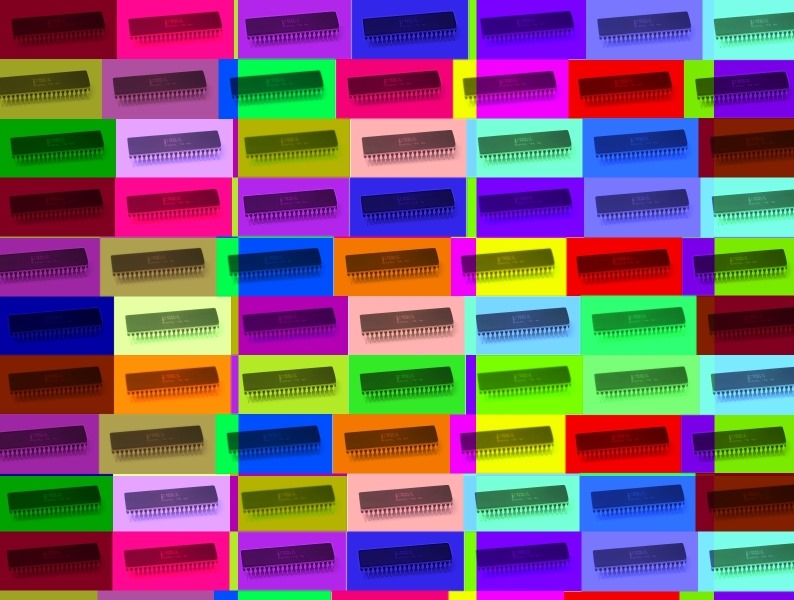
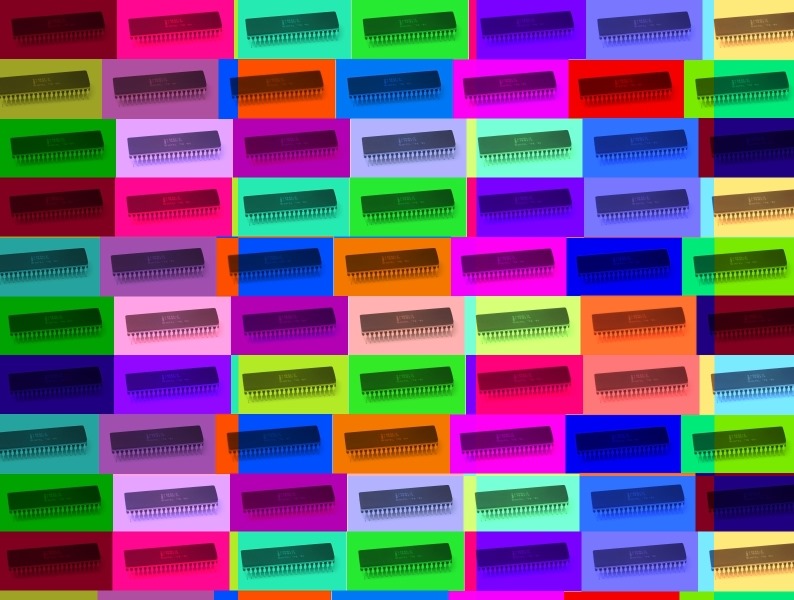
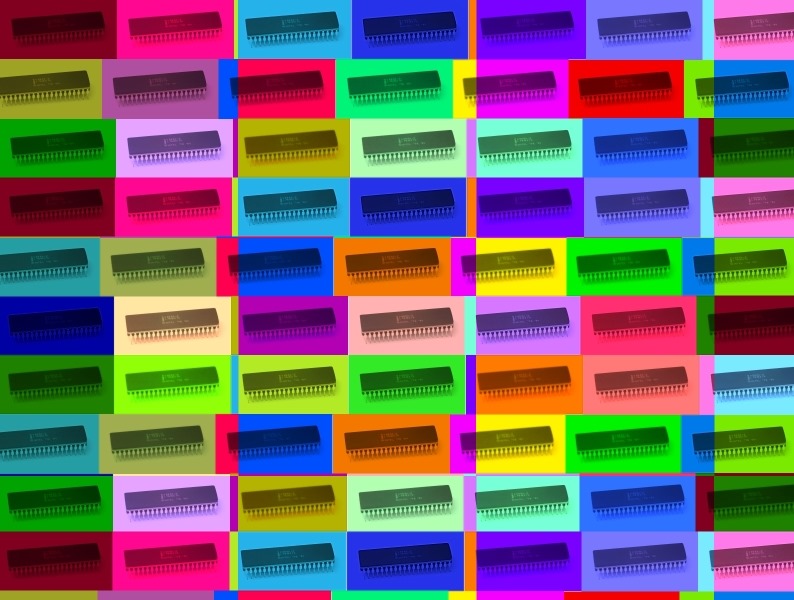
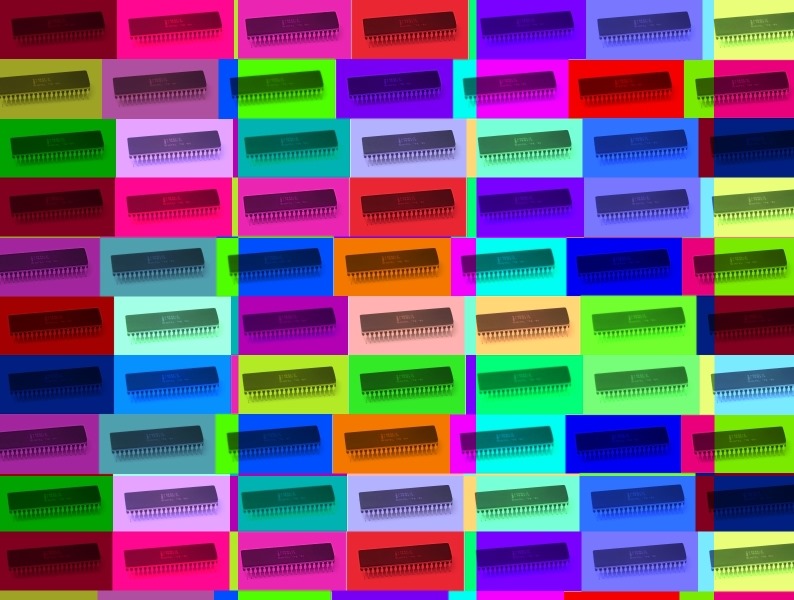
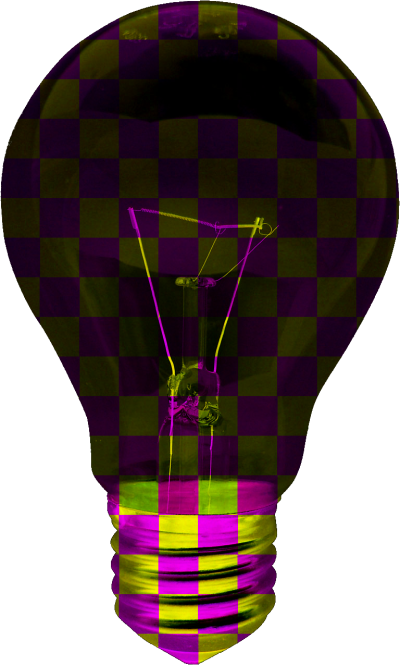
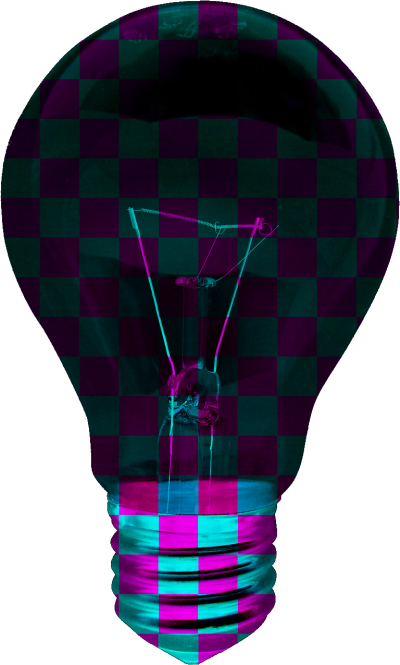
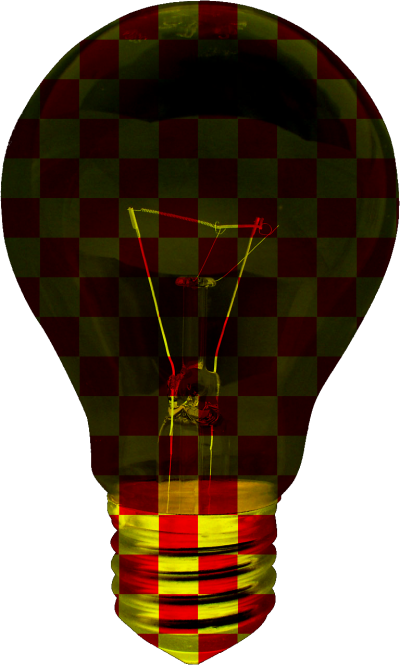
In my experience with previous articles I’ve written it seems that articles are better received by readers when accompanied by graphics/images. You will notice throughout this article I’ve added thumbnail images. All of the images originate from the same source image file and were created by the accompanying sample application.


Sample source code
This article is accompanied by a sample source code Visual Studio project which is available for download here.


Using the sample Application
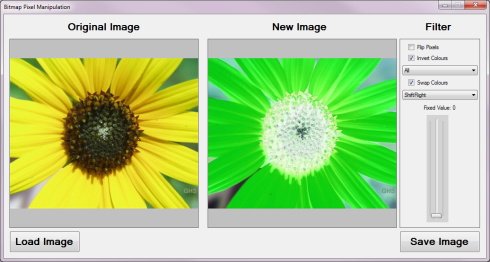
This article’s associated sample source code defines a Windows Forms sample application, detailing the concepts explored by this article. The sample application implements three types of image filters: Inverting Colours, Swapping each pixel’s colour components and Shifting pixels to different locations within the Bitmap image data buffer. This article explores the Colour Inversion filter.
The image shown below is a screenshot of the Bitmap Pixel Manipulation application in action:
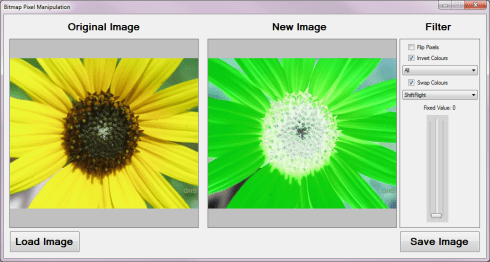
The sample application allows the user to specify an input source image which can then be modified by implementing an image filter. If desired the user has the option to save the new/result image to the file system.


The Colour Inversion Filter
The Colour Inversion Filter can be implemented in various forms. The type of inversion is determined by the ColourInversionType enum, the definition as follows:
public  enum  ColourInversionType
{
    All,
    Blue,
    Green,
    Red,
    BlueRed,
    BlueGreen,
    RedGreen,
}
The following section provides an explanation of each Inversion Type:
- All – Each Red, Green and Blue value will be subtracted from 255.
- Blue – The value of Blue will be subtracted from 255, Green and Red values remain unchanged.
- Green – The value of Green will be subtracted from 255, Blue and Red values remain unchanged.
- Red – The value of Red will be subtracted from 255, Blue and Green values remain unchanged.
- BlueRed – The value of Blue and Red will be subtracted from 255, Green value remain unchanged.
- BlueGreen – The value of Blue and Green will be subtracted from 255, Red value remain unchanged.
- RedGreen – The value of Red and Green will be subtracted from 255, Blue value remain unchanged.


Applying Linq queries to Pixel Data
This article’s sample source code implements Linq queries through the InvertColors extension method which targets the Bitmap class. The definition is detailed by the following code snippet:
 public  static  Bitmap  InvertColors(this  Bitmap  sourceImage,
                                 ColourInversionType  inversionType)
{
    List <ArgbPixel > pixelListSource = GetPixelListFromBitmap(sourceImage);


    List <ArgbPixel > pixelListResult = null;


    byte  byte255 = 255;


    switch  (inversionType)
    {
        case ColourInversionType.All:
            {
                pixelListResult =
                (from t in pixelListSource
                    select new ArgbPixel
                    {
                        blue = (byte )(byte255 - t.blue),
                        red = (byte )(byte255 - t.red),
                        green = (byte )(byte255 - t.green),
                        alpha = t.alpha,
                    }).ToList();


                break;
            }
        case ColourInversionType.Blue:
            {
                pixelListResult =
                (from t in pixelListSource
                    select new ArgbPixel
                    {
                        blue = (byte )(byte255 - t.blue),
                        red = t.red,
                        green = t.green,
                        alpha = t.alpha,
                    }).ToList();


                break;
            }
        case ColourInversionType.Green:
            {
                pixelListResult =
                (from t in pixelListSource
                    select new ArgbPixel
                    {>
                        blue = t.blue,
                        red = t.red,
                        green = (byte )(byte255 - t.green),
                        alpha = t.alpha,
                    }).ToList();


                break;
            }
        case ColourInversionType.Red:
            {
                pixelListResult =
                (from t in pixelListSource
                    select new ArgbPixel
                    {
                        blue = t.blue,
                        red = (byte )(byte255 - t.green),
                        green = t.green,
                        alpha = t.alpha,
                    }).ToList();


                break;
            }
        case ColourInversionType.BlueRed:
            {
                pixelListResult =
                (from t in pixelListSource
                    select new ArgbPixel
                    {
                        blue = (byte )(byte255 - t.blue),
                        red = (byte )(byte255 - t.red),
                        green = t.green,
                        alpha = t.alpha,
                    }).ToList();


                break;
            }
        case ColourInversionType.BlueGreen:
            {
                pixelListResult =
                (from t in pixelListSource
                    select new ArgbPixel
                    {
                        blue = (byte )(byte255 - t.blue),
                        red = t.red,
                        green = (byte )(byte255 - t.green),
                        alpha = t.alpha,
                    }).ToList();


                break;
            }
        case ColourInversionType.RedGreen:
            {
                pixelListResult =
                (from t in pixelListSource
                    select new ArgbPixel
                    {
                        blue = t.blue,
                        red = (byte )(byte255 - t.blue),
                        green = (byte )(byte255 - t.green),
                        alpha = t.alpha,
                    }).ToList();


                break;
            }
    }


    Bitmap  resultBitmap = GetBitmapFromPixelList(pixelListResult,
                sourceImage.Width, sourceImage.Height);


    return  resultBitmap;
}
The InvertColors extension method performs a simple select query returning a new instance of the ArgbPixel class adjusted according to the value of the ColourInversionType parameter passed.


Filter implementation examples
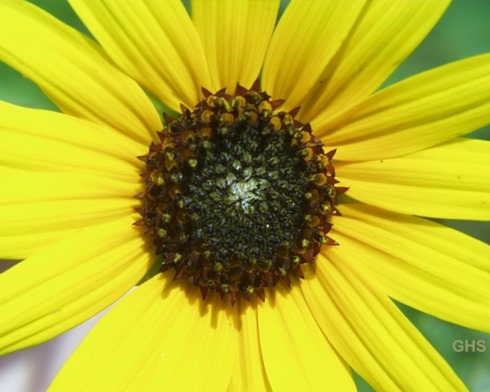
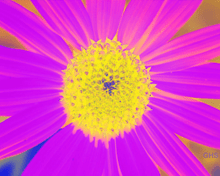
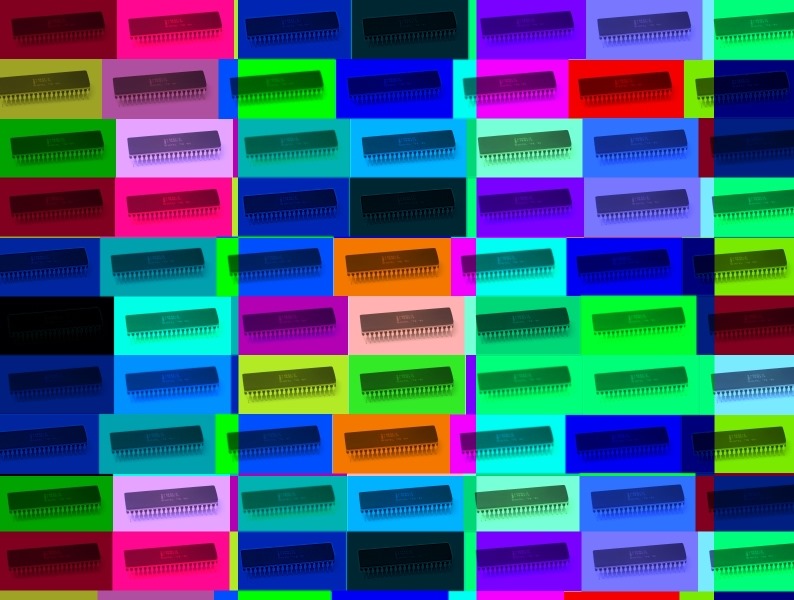
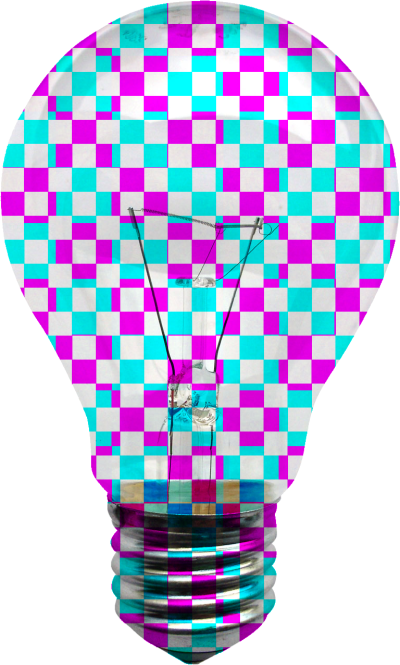
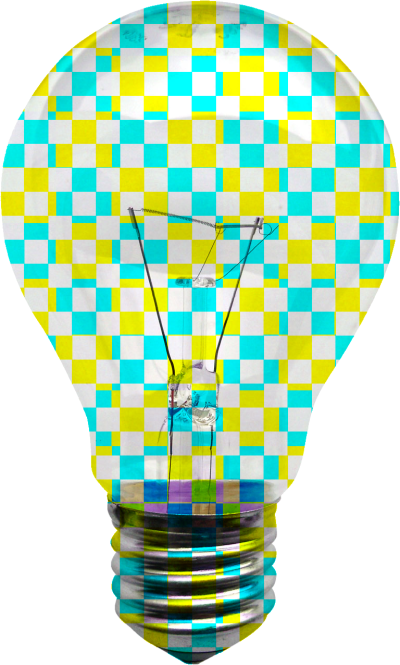
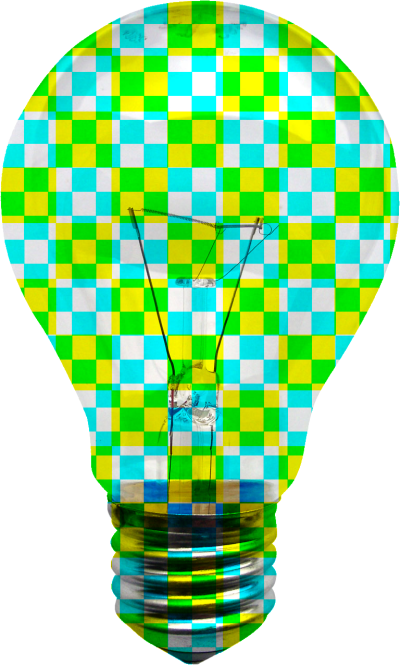
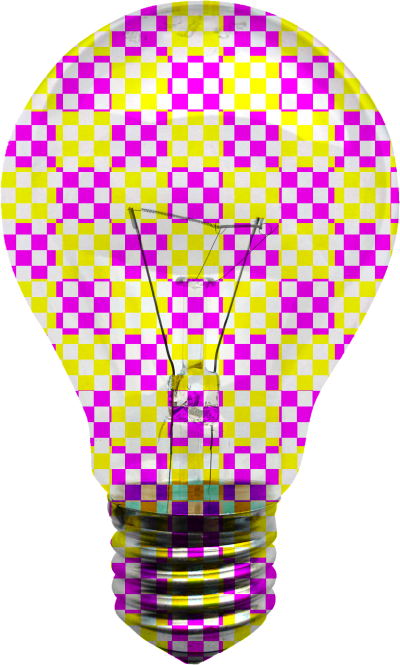
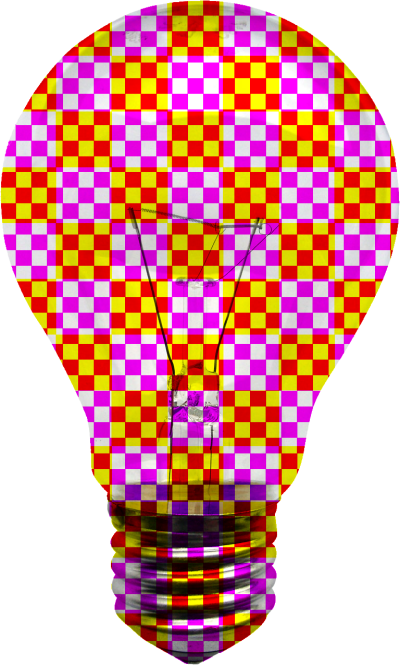
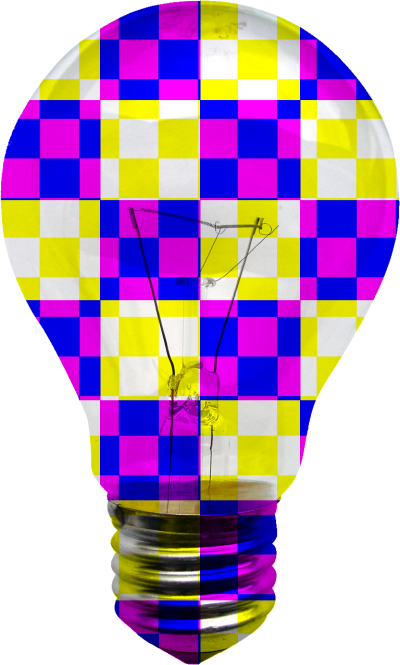
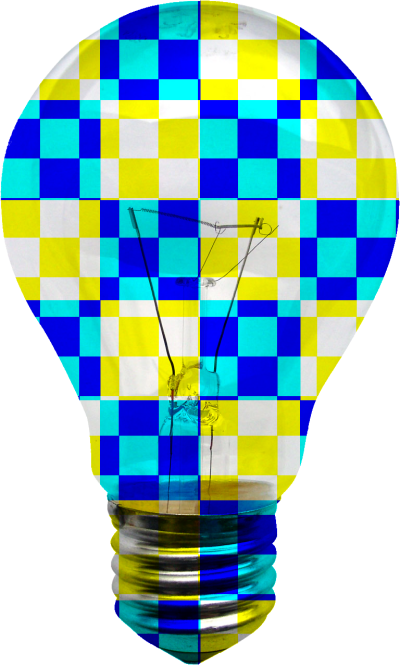
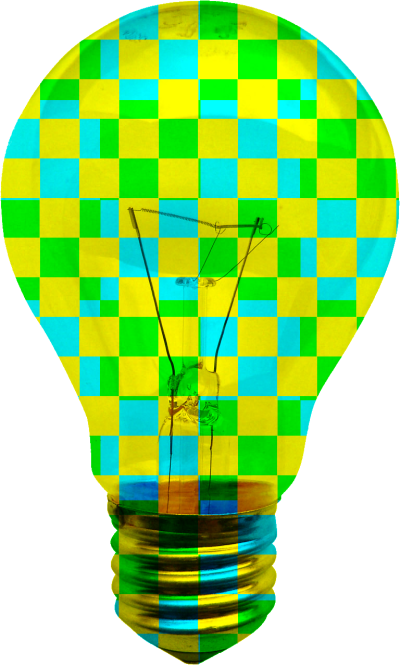
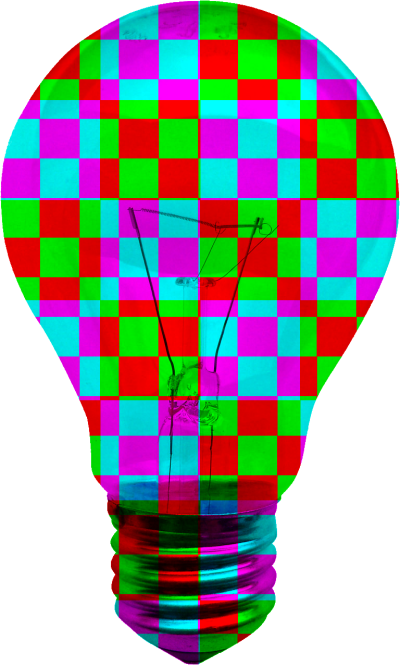
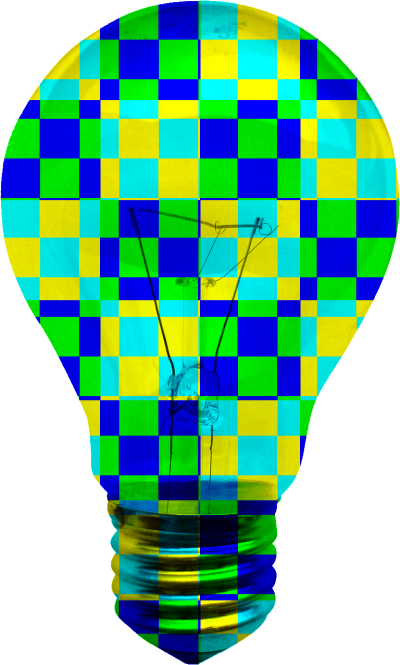
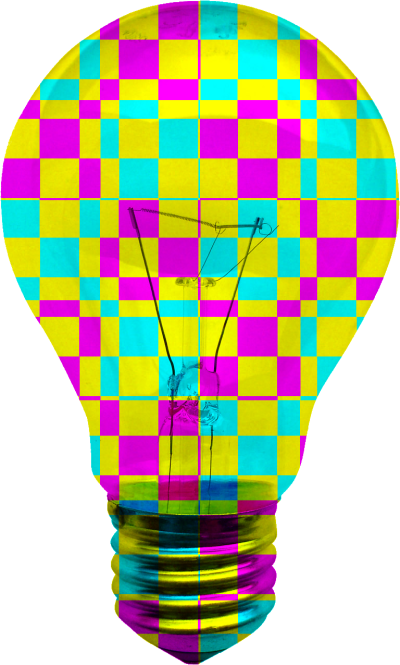
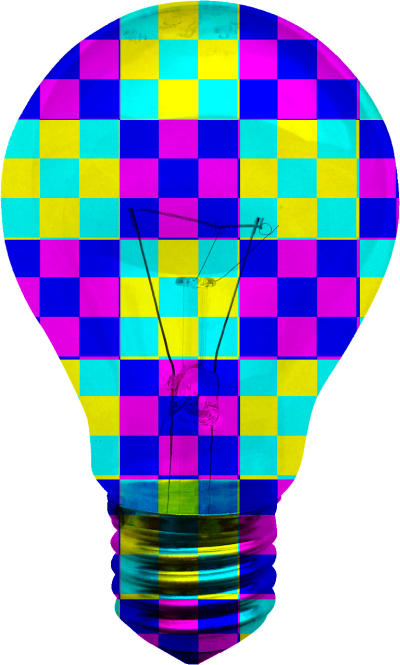
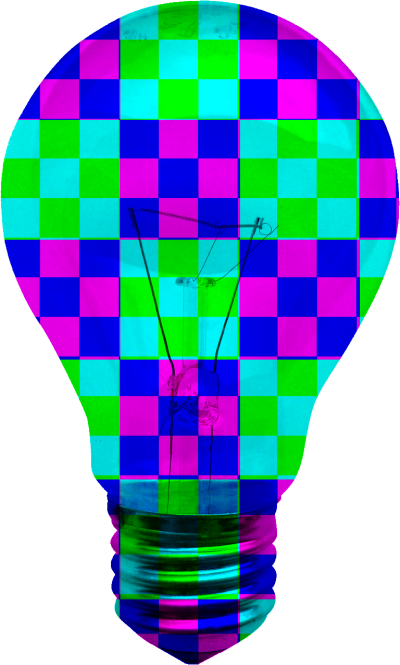
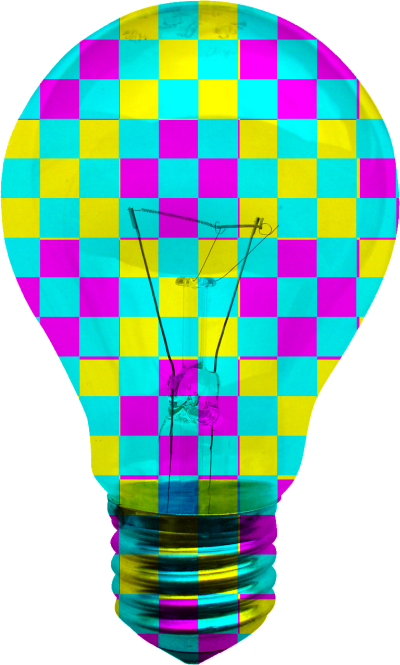
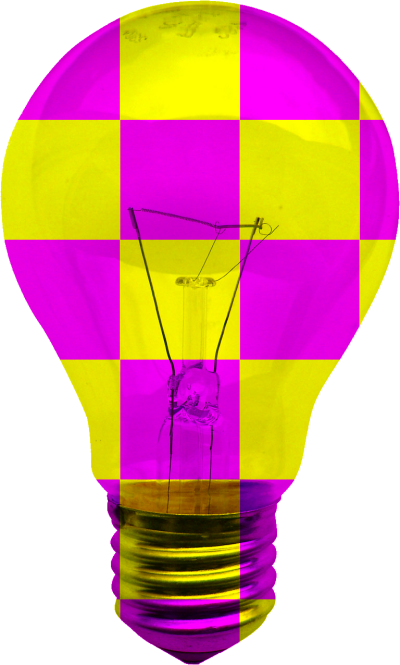
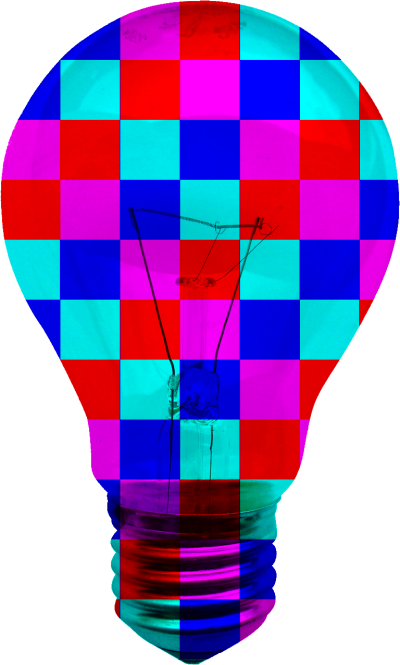
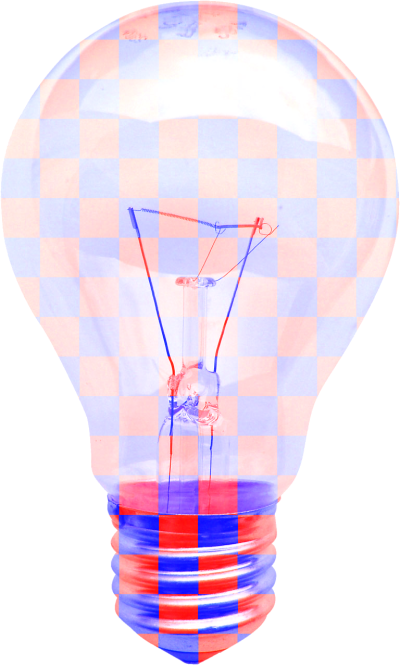
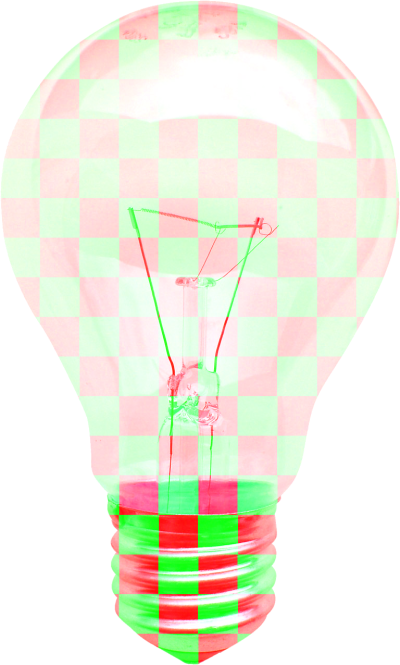
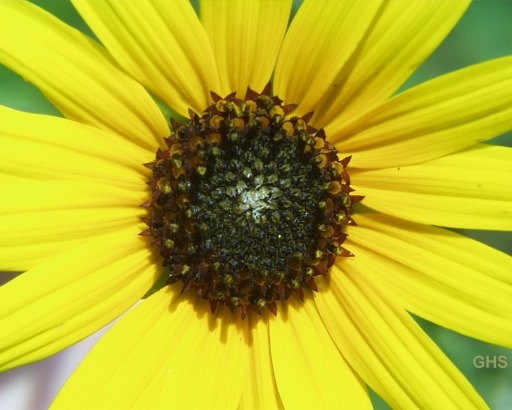
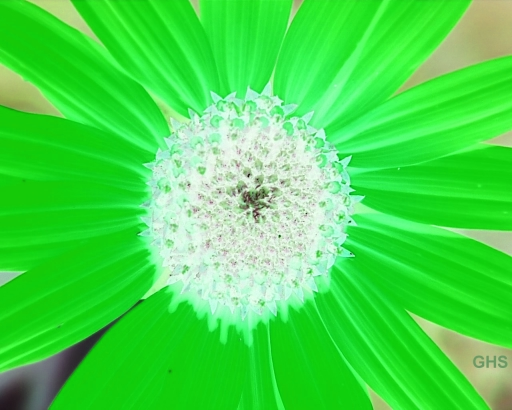
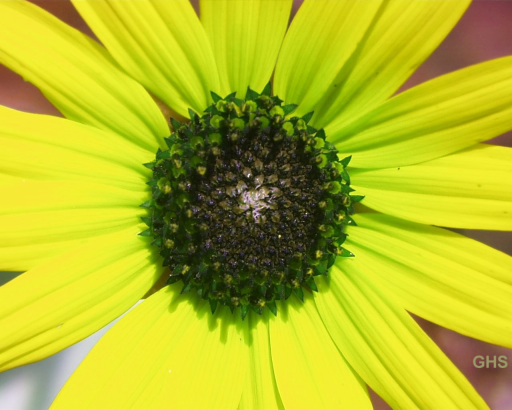
This section contains the eye candy of this article. The following set of images were created from a single input source image. The source image has been released into the public domain and can be downloaded from Wikipedia.
The Original Image
Filtered Images









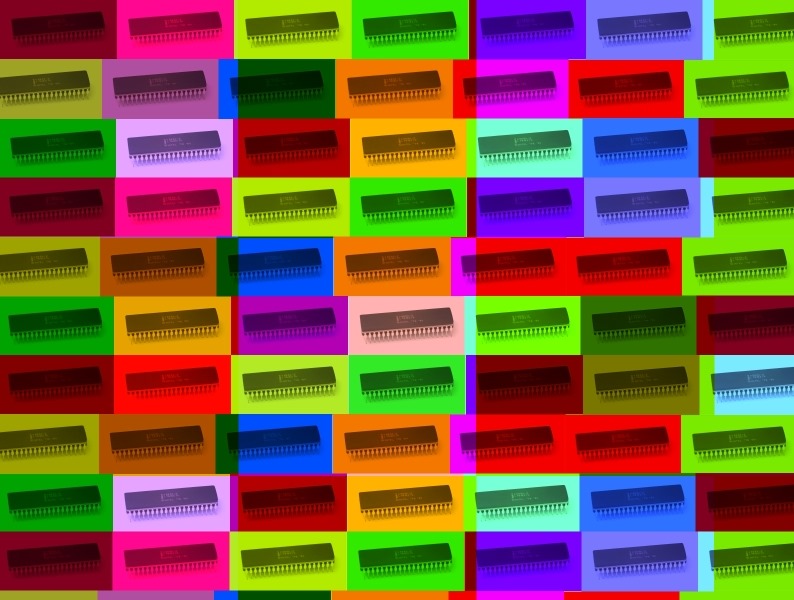
 I have uploaded some more eye candy. The images were created by modifying an image originally authored by Konstantin Lanzet. The original image file is licensed under the Creative Commons Attribution-Share Alike 3.0 Unported license, and can be downloaded from Wikipedia.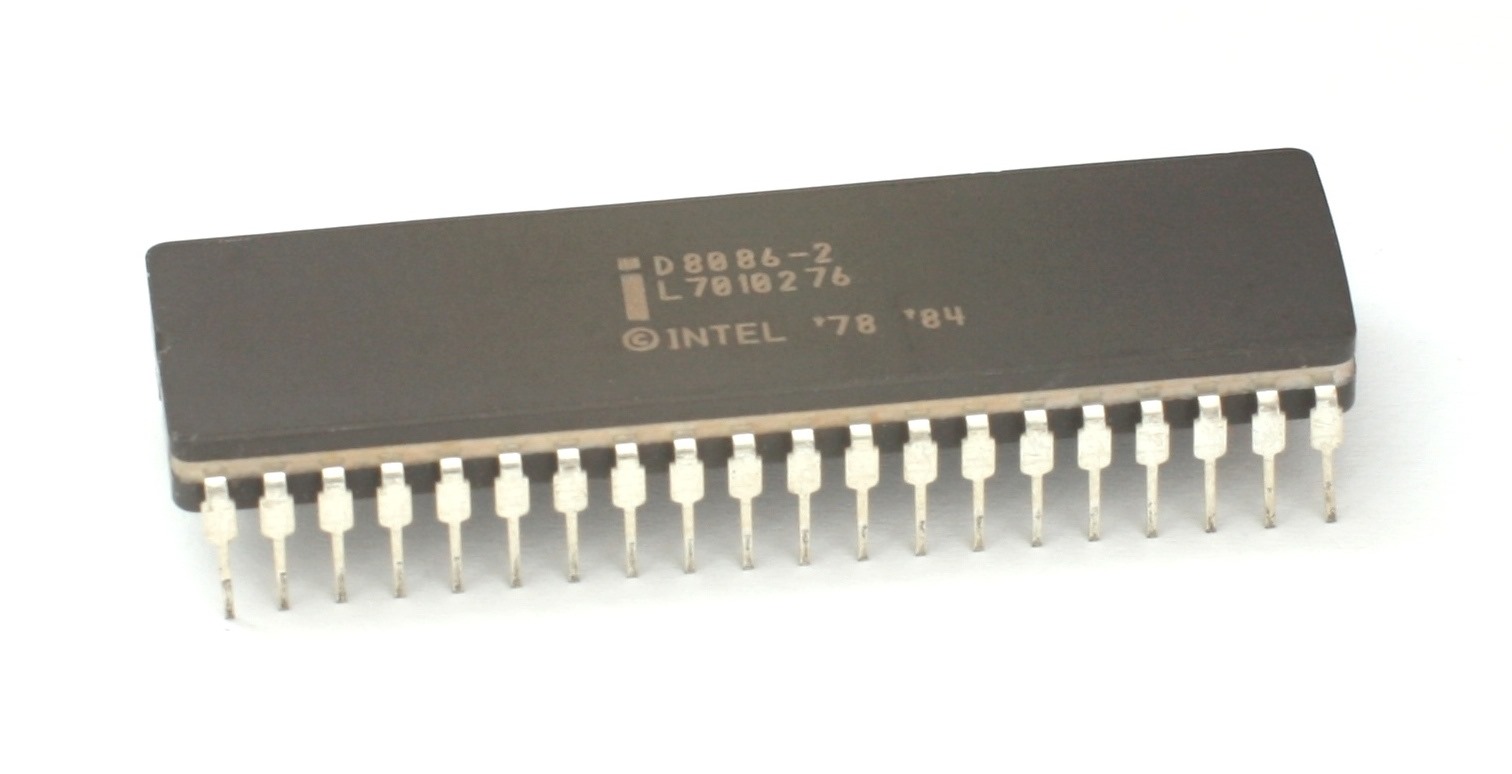


































































































 Software by Default


