Posts Tagged 'Image Manipulation'


RSS Feed Buttons

Overview

I’ve been experimenting with lately. As an example showcasing some of the possibilities I created several images based on the standard orange RSS feed icon.

The source image used in generating all the filtered images on this page has been licensed under the and can be

If you are interested in the technical details behind the implementation you can browse the C# How to articles at and .

RSS Buttons

The following section provides a thumbnails preview of the images I created. Please note that all images have the size dimension of 2000×2000 pixels. I’ve opted to provide high resolution images to accommodate better results should images be edited further. It is not recommended using high resolution images directly due to larger file sizes when compared to typically used lower resolution images. Reducing image resolution is a fairly straight forward task easily achieved using most image editing software.

Images are provided under the . You are free to download, modify and redistribute the images.

To download an image simply click on the relevant thumbnail.

RSS Button Blue Grey RSS Button Bright Green RSS Button Brown LightBlue RSS Button Brown LightPurple RSS Button DarkBlue RSS Button DarkBlue RSS Button DarkBlue LightBlue RSS Button DarkBlue Red RSS Button DarkOrange LightOrange RSS Button DarkPink LightPurple RSS Button DarkPurple Blue RSS Button DarkPurple LightPurple RSS Button DarkPurple MediumBlue RSS Button Green DarkPink RSS Button Green LightBlue RSS Button LightBlue RSS Button Maroon Purple RSS Button Orange Yellow RSS Button PinkTint RSS Button PurpleTint RSS Button SeaGreen LightYellow RSS Button Violet DarkPink RSS Green Button RSS Purple Button

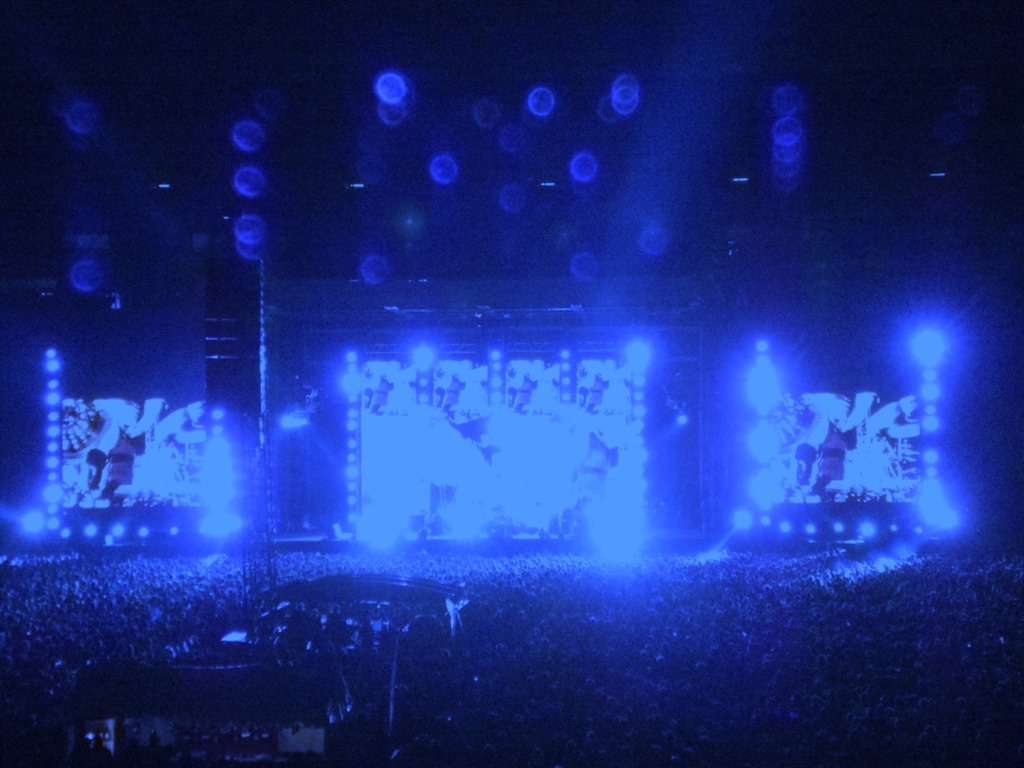
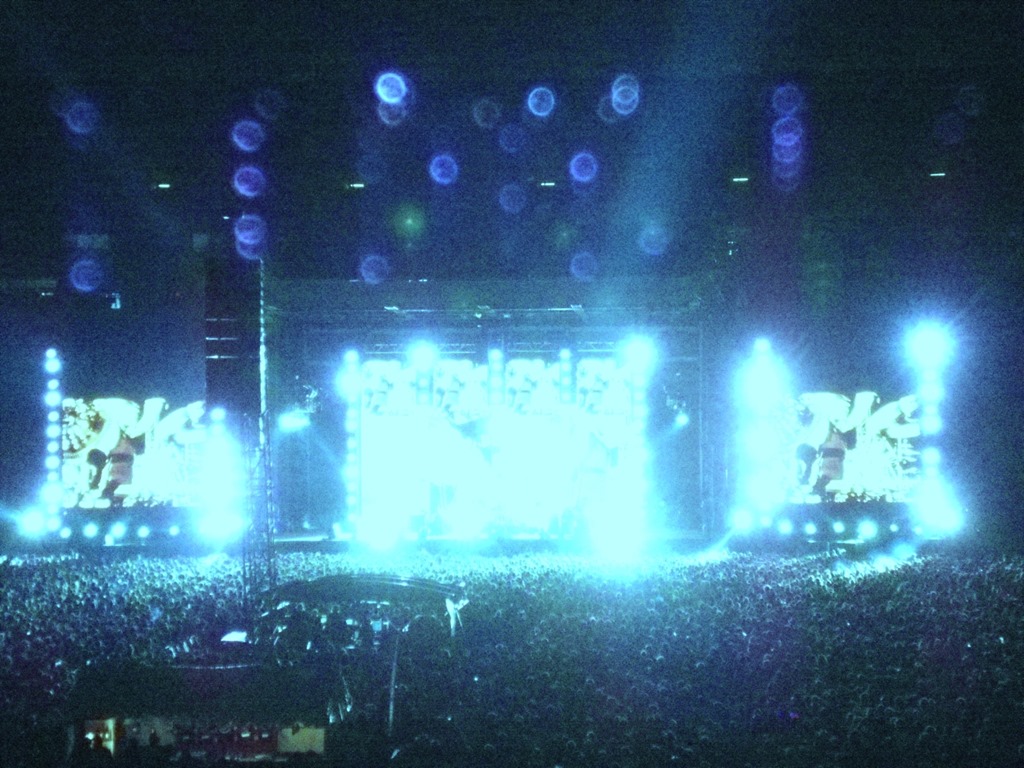
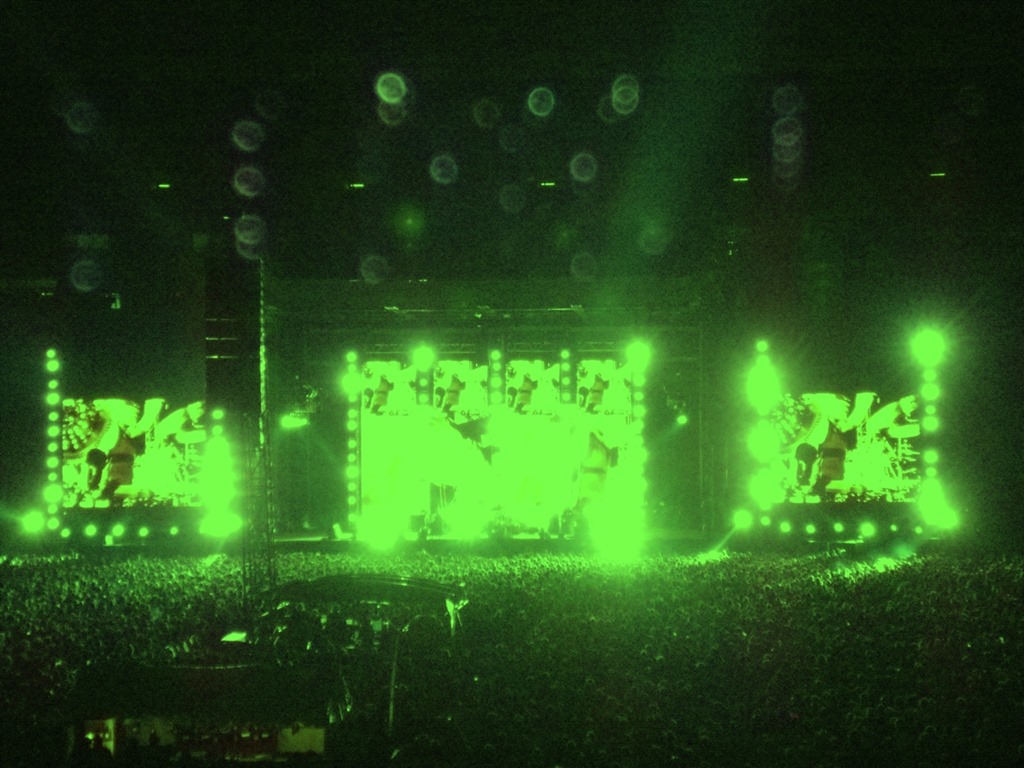
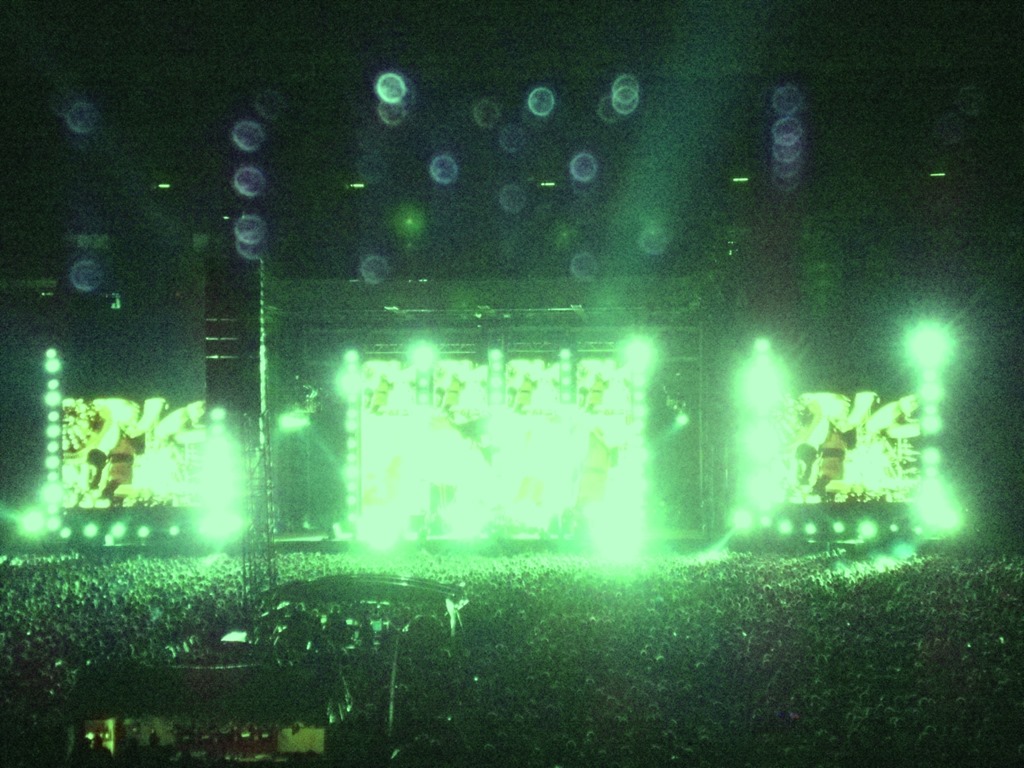
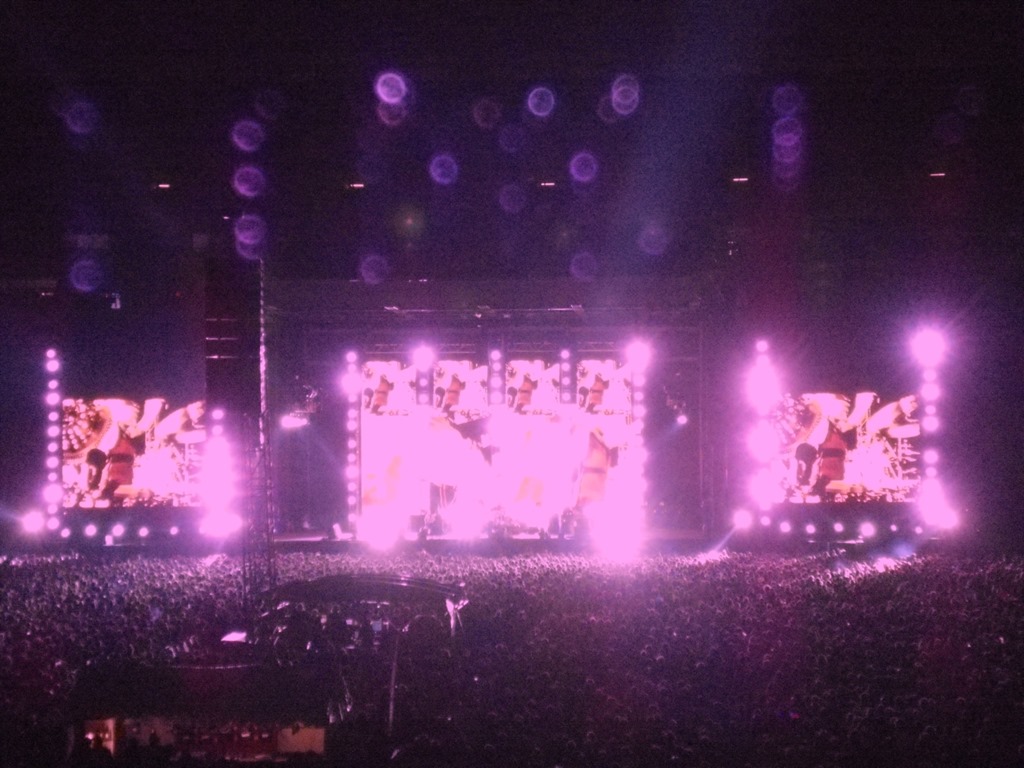
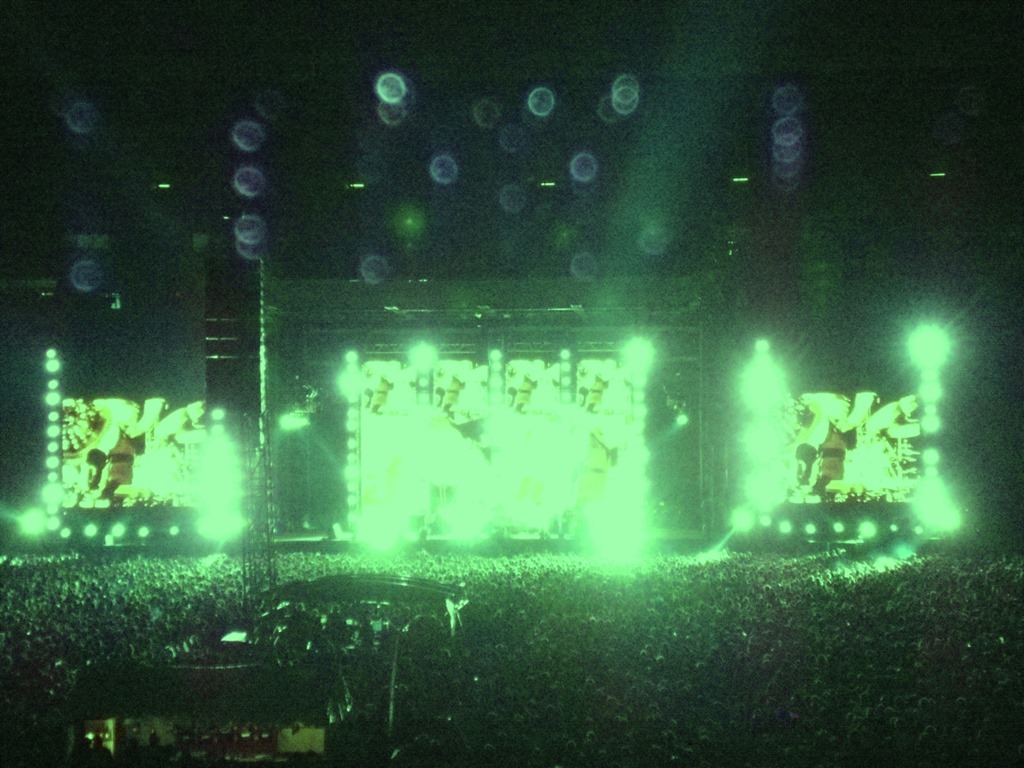
Image Filters: The Red Hot Chilli Peppers live in concert

The Original

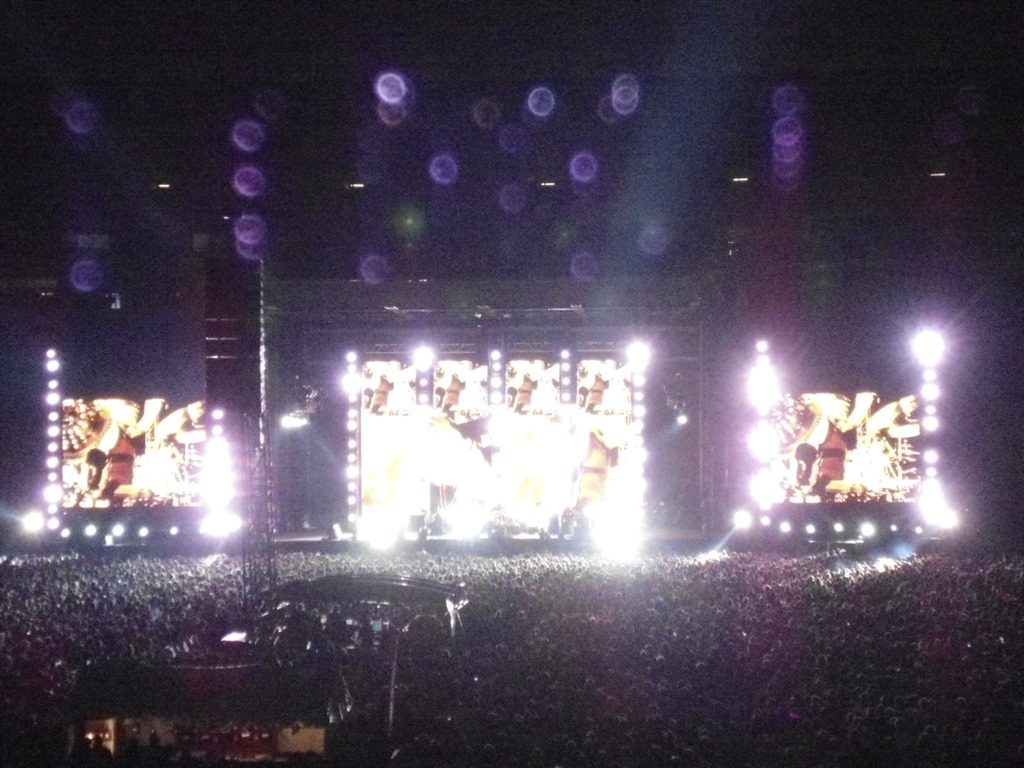
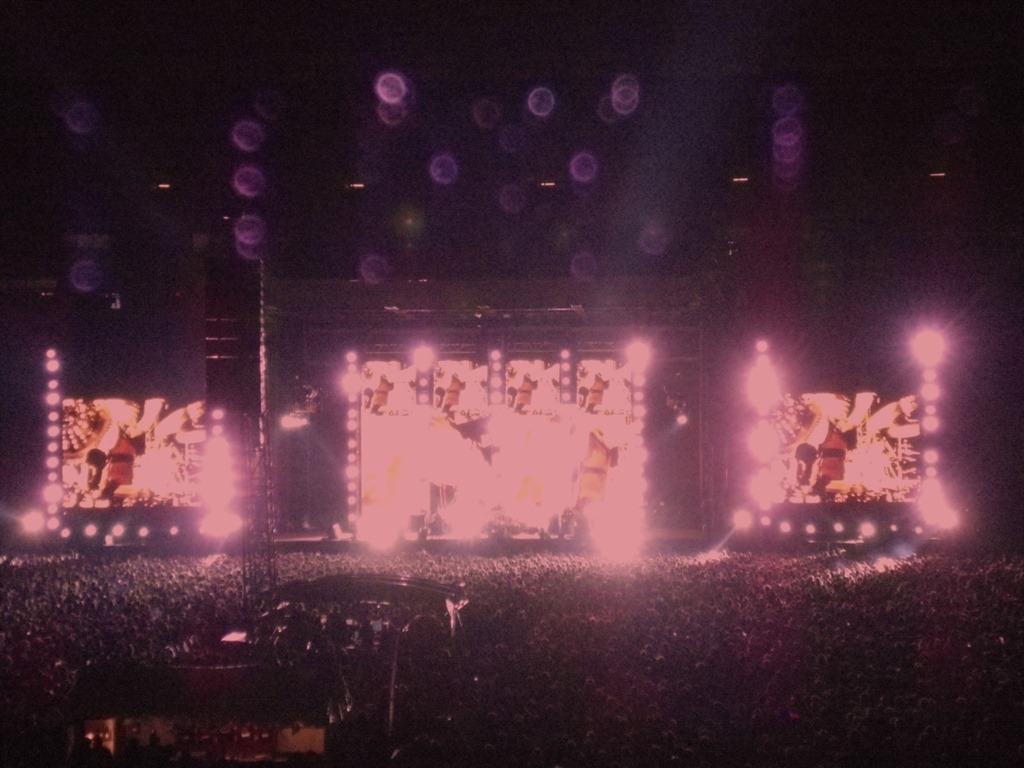
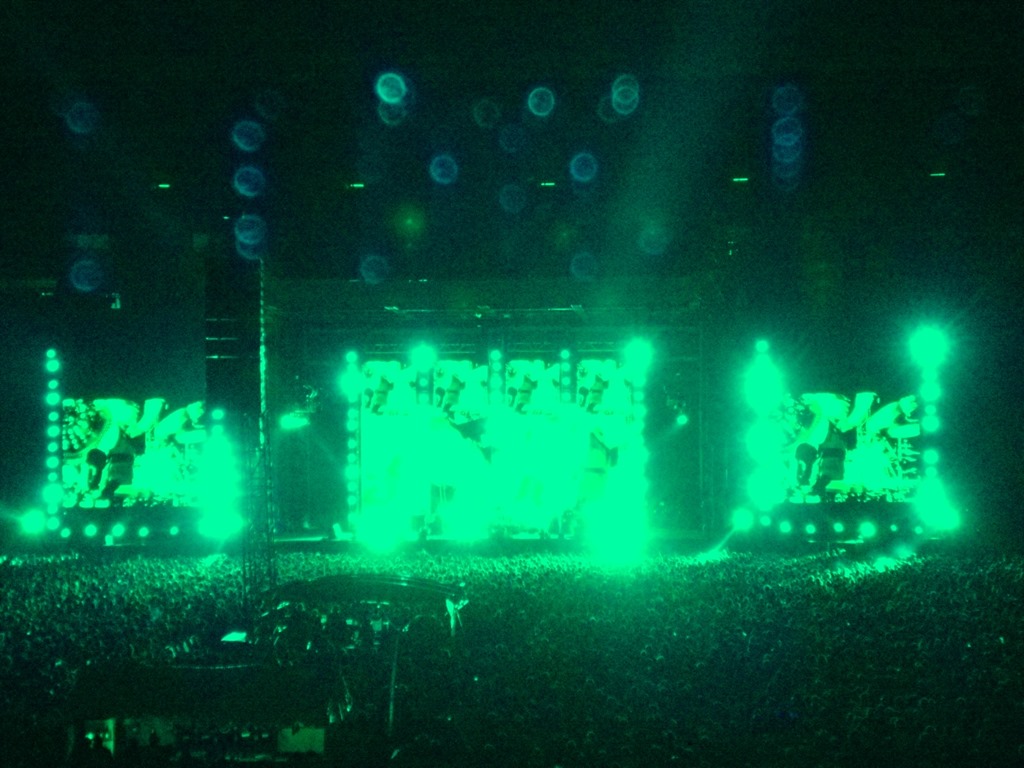
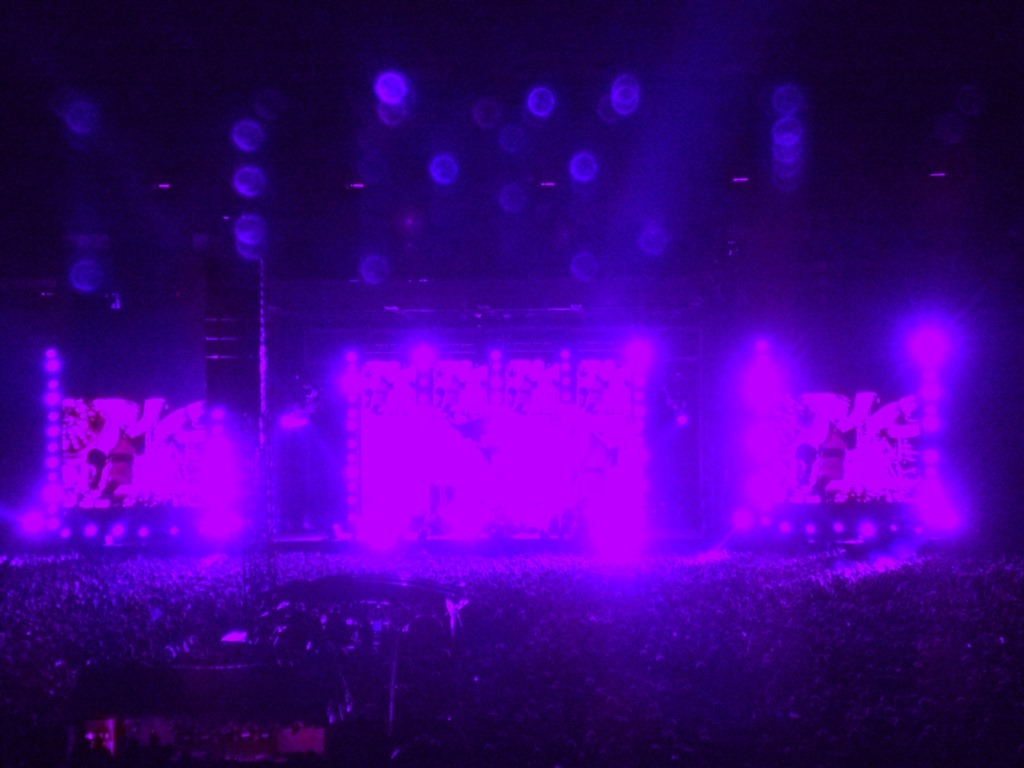
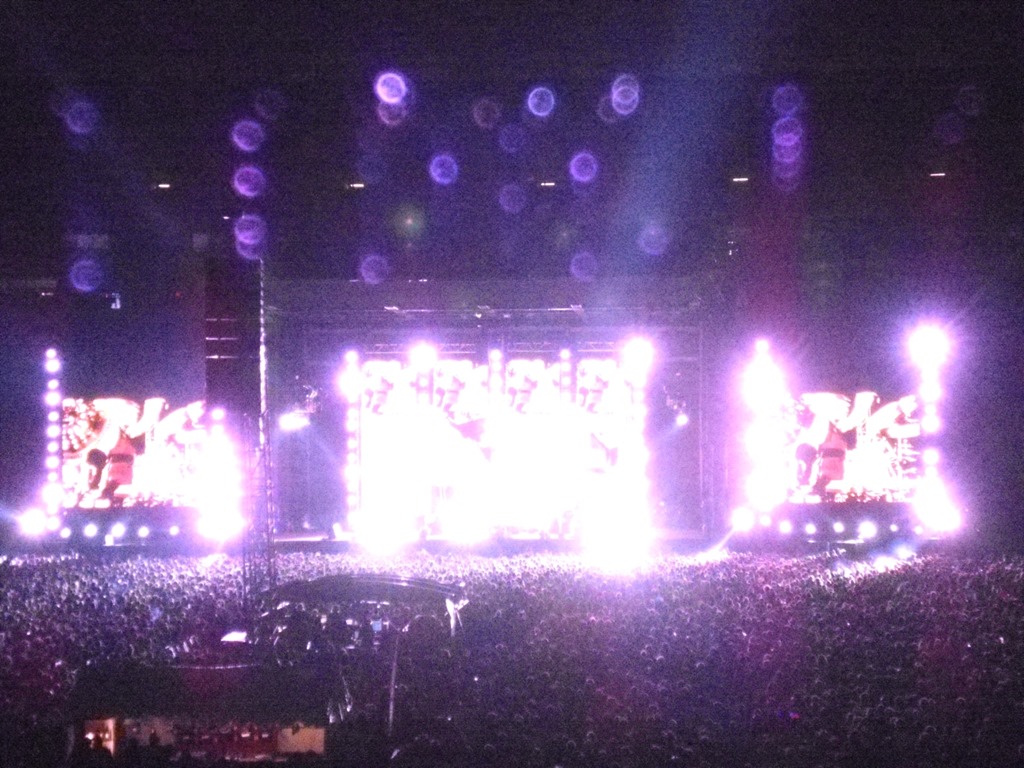
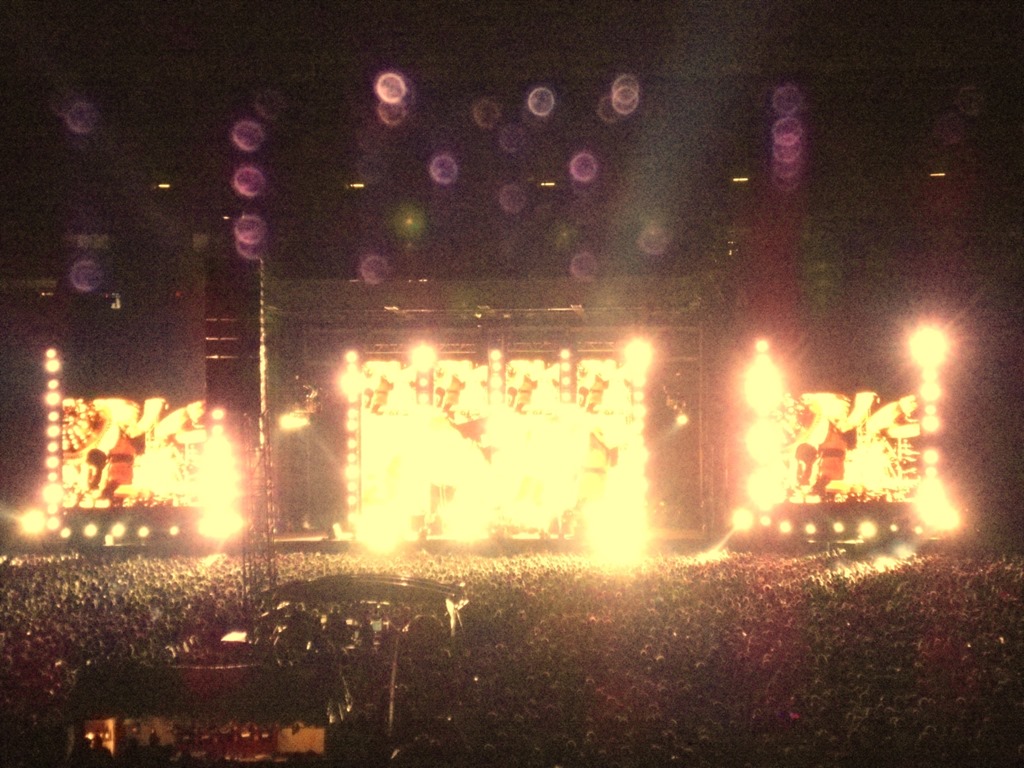
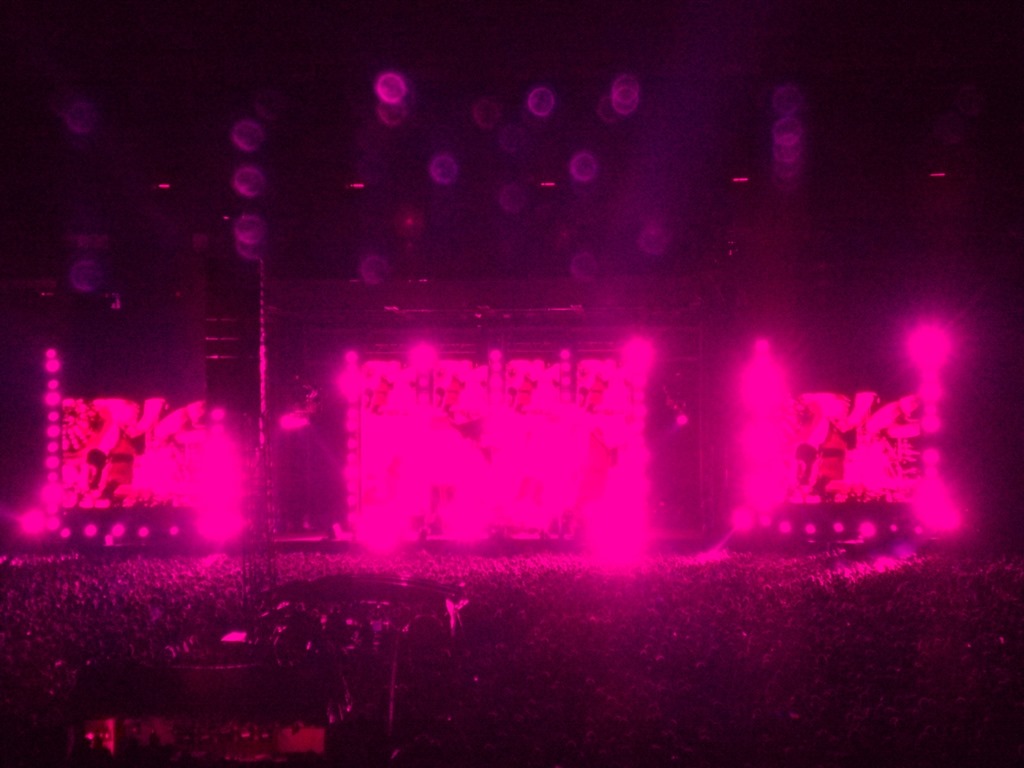
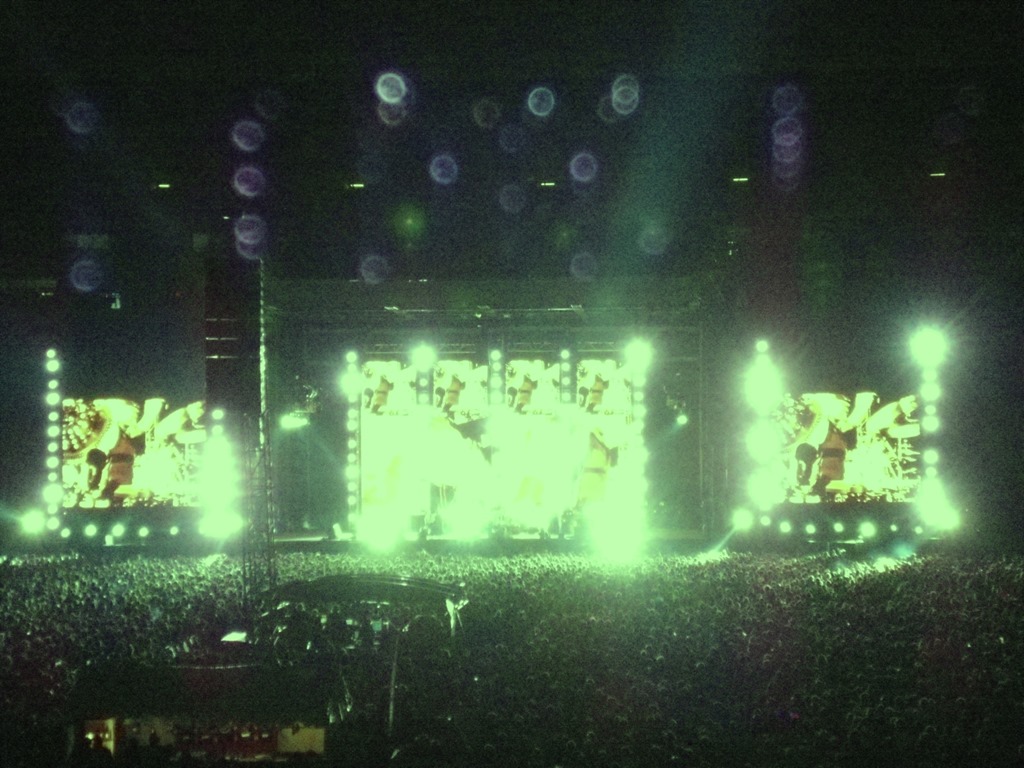
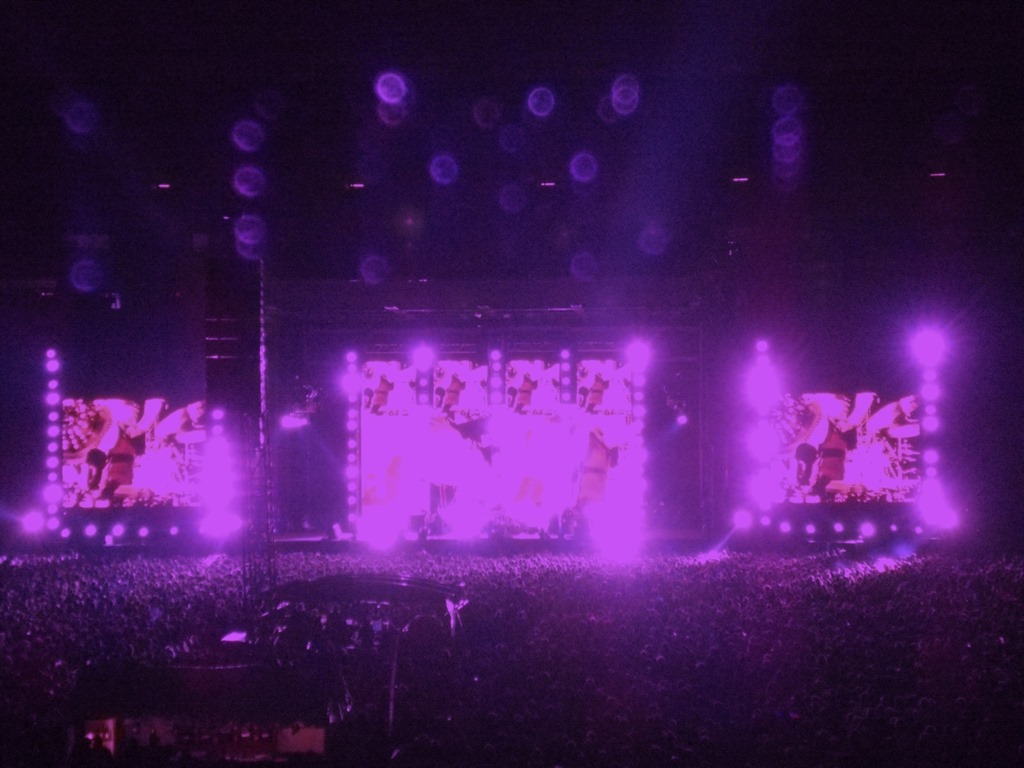
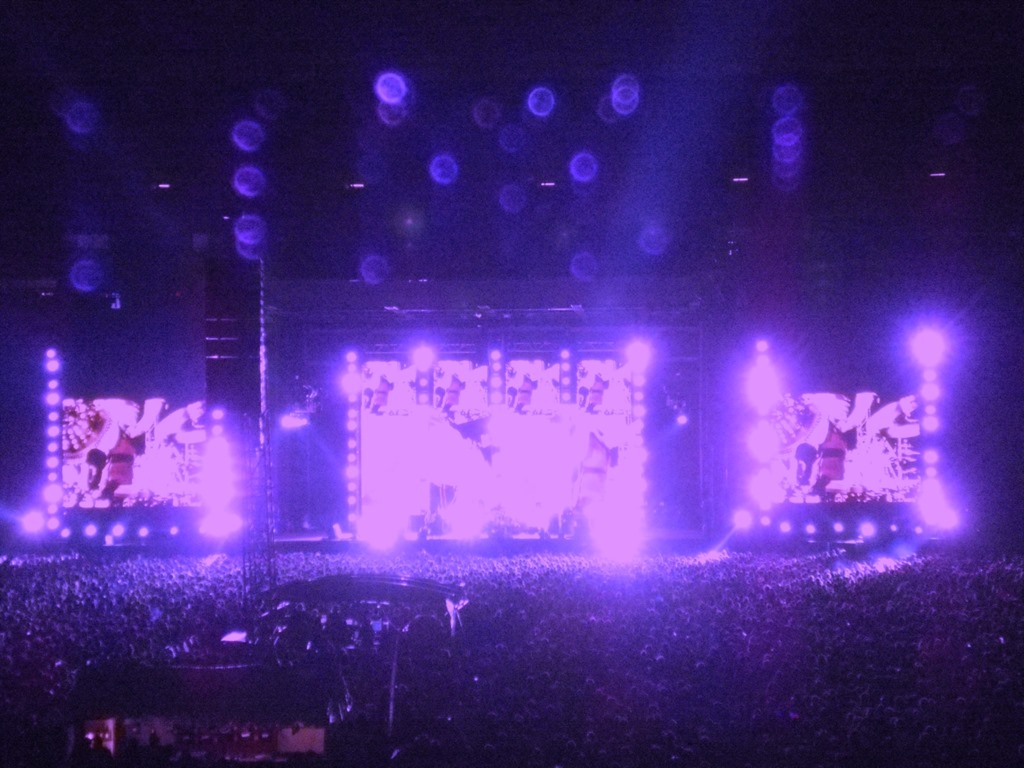
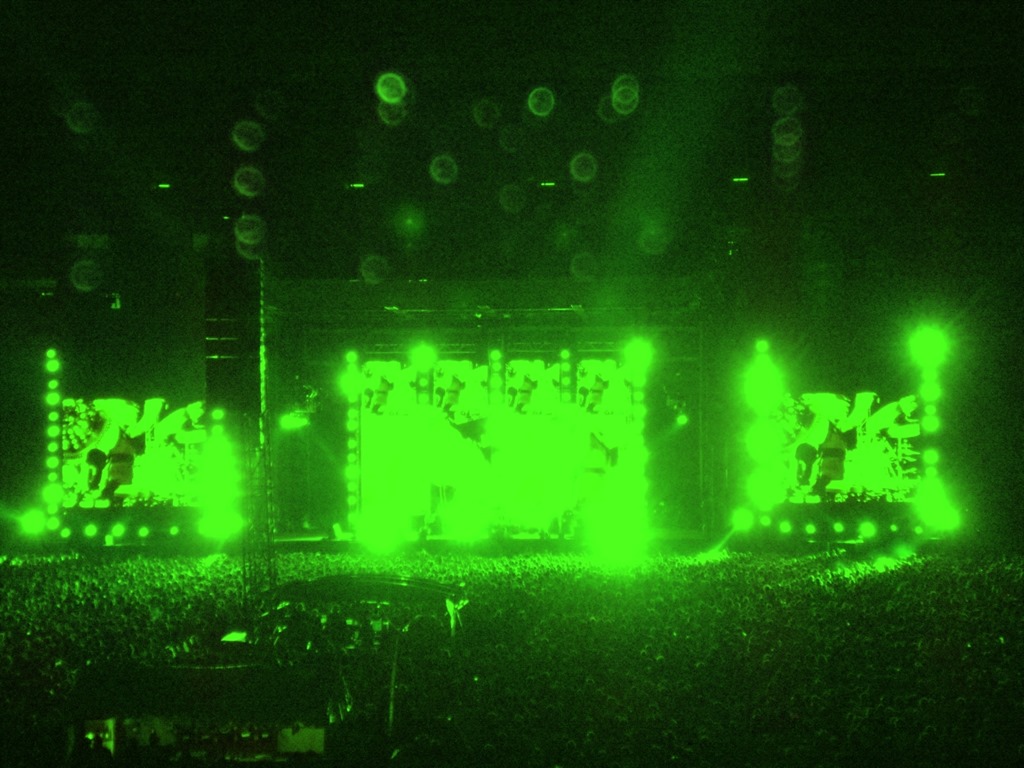
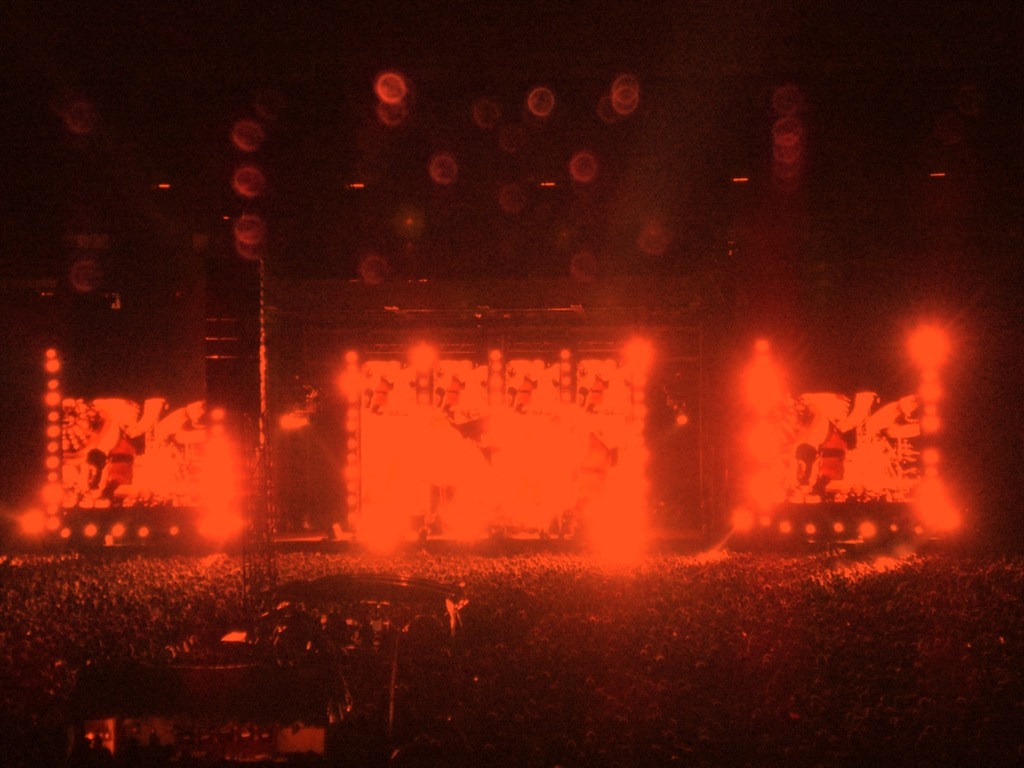
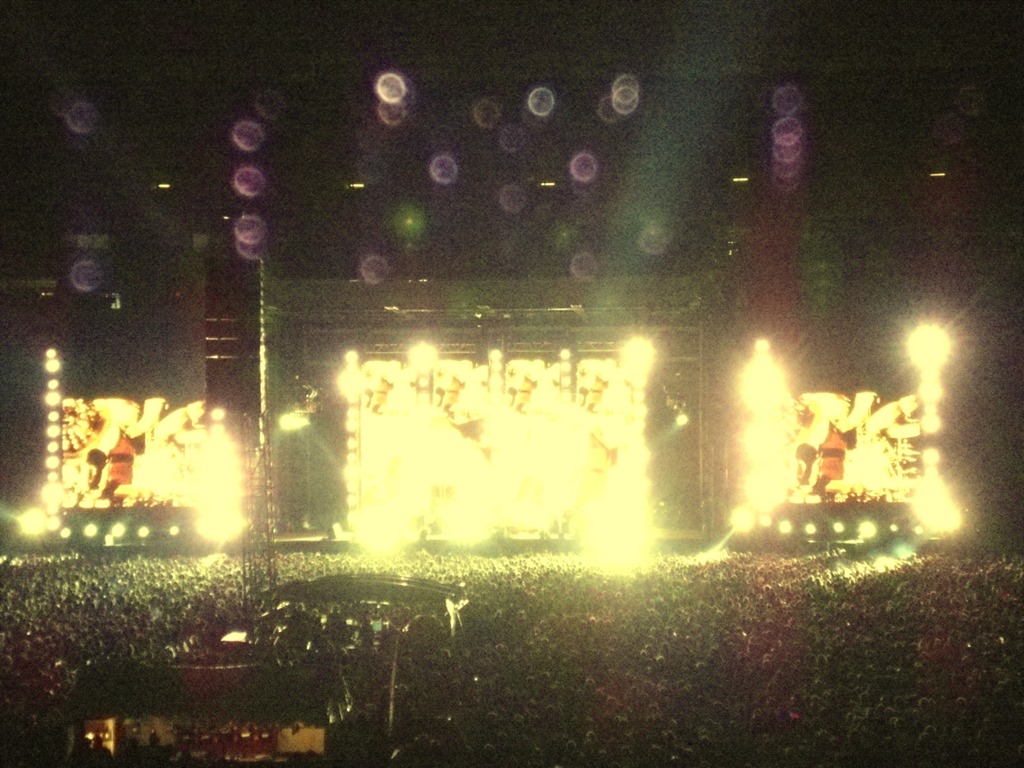
All of the images featured in this article were generated from the same the input source image file. Each image illustrates the implementation of a different colour filter.

The original source image is a photo I had taken myself during a live concert performance by The Red Hot Chilli Peppers, performed at Soccer City, Johannesburg, South Africa.

The colour filter technical details are explored in the articles: C# How to: Blending Bitmap images using colour filters and C# How to: Swapping Bitmap ARGB Colour Channels.

Original Image

RHCP_Original

Filtered Images

RHCP_AmberRHCP_BlueGreenRHCP_BluePinkRHCP_BrightBlueRHCP_BrightBlueTintRHCP_BrightGreenRHCP_BrightGreenTintRHCP_BrightWhiteRHCP_BrightYellowRHCP_DarkPinkRHCP_GreenRHCP_GreenYellowTintRHCP_LavenderRHCP_LightBlueRHCP_NeonGreenRHCP_OrangeRHCP_VioletRHCP_Yellow

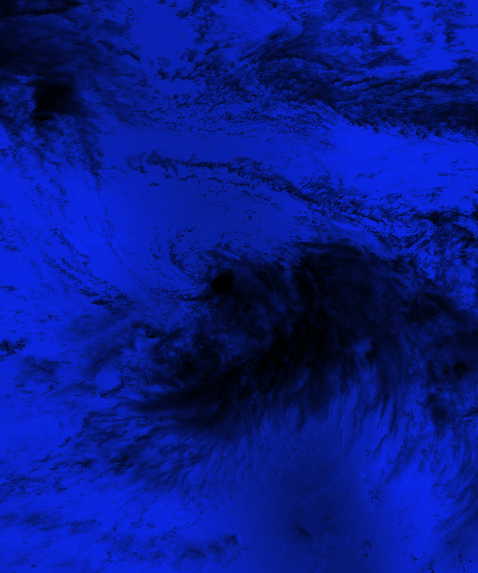
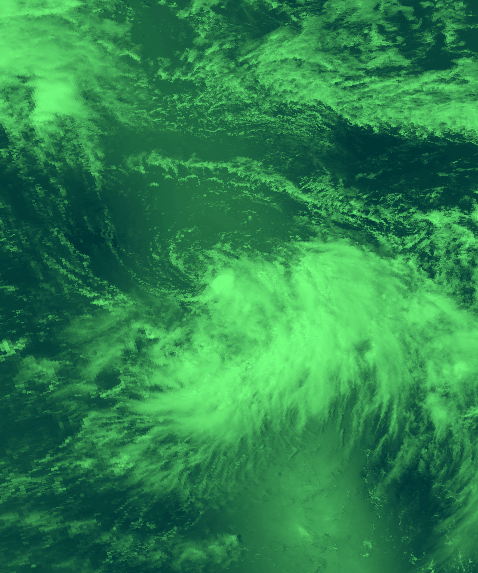
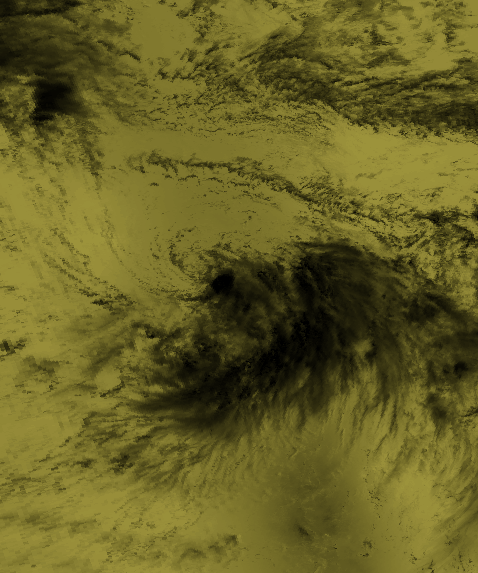
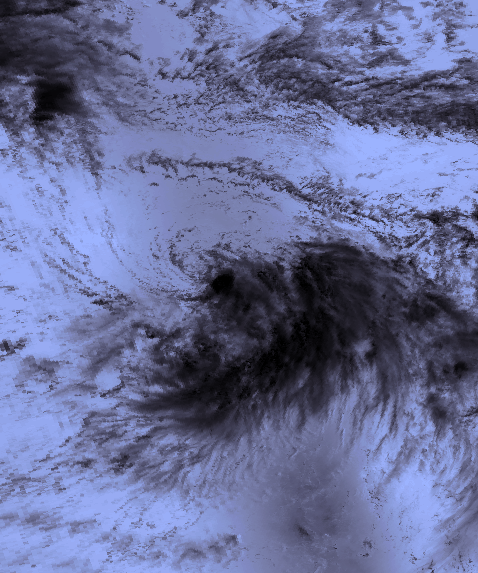
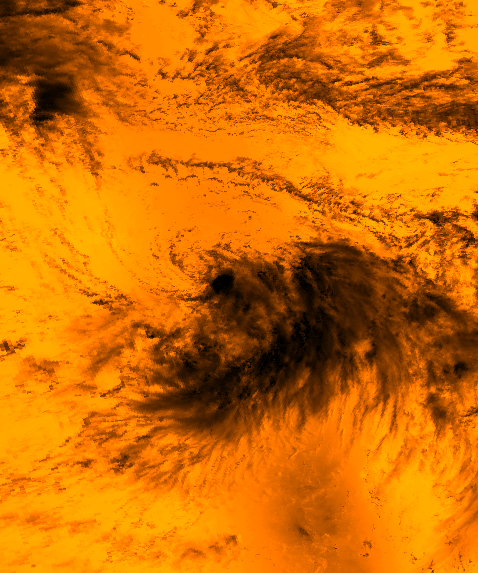
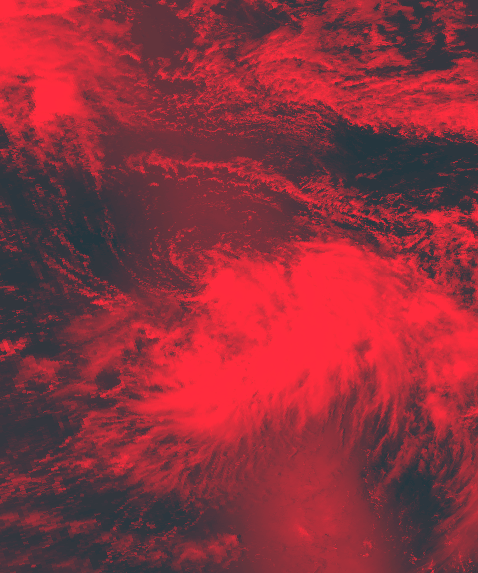
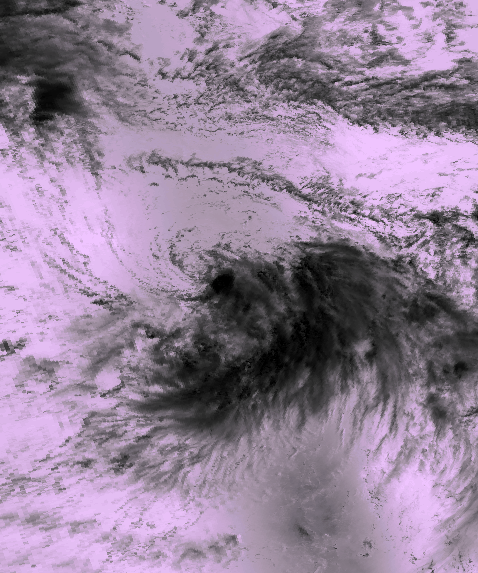
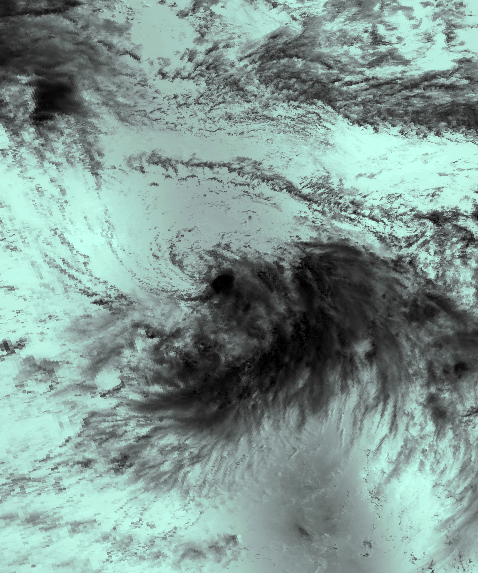
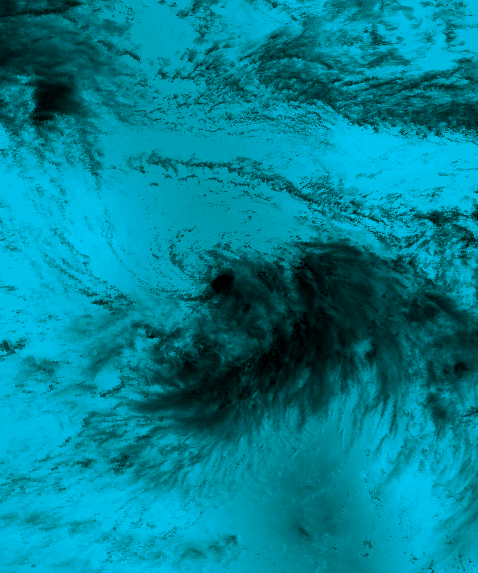
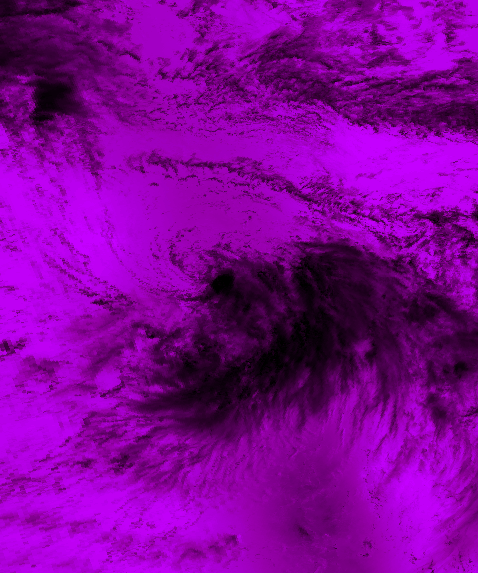
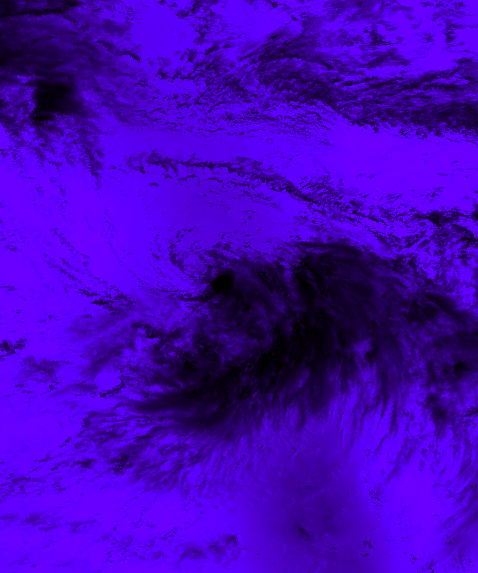
Image Filters: Tropical Storm

The Original Image

The original image file has been released into the public domain. Download the original from Wikipedia.

All or the images featured in this set were created using the original image and applying various colour filters. The colour filter technical details are explored in the articles: C# How to: Blending Bitmap images using colour filters and C# How to: Swapping Bitmap ARGB Colour Channels.

Original Image

17W_Aug_14_1996_0124Z

Filtered Images

TropicalStorm_BrightBlueBlendTropicalStorm_GreenGrayBlend

TropicalStorm_LightPinkBlendTropicalStorm_LightTanBlend

TropicalStorm_OffWhiteBlendTropicalStorm_OrangeBlend

TropicalStorm_PurpleBlendTropicalStorm_RedBlend

TropicalStorm_ShiftLeft_InvertedTropicalStorm_ShiftRight_Inverted

TropicalStorm_SwapBlueAndGreen_InvertedTropicalStorm_SwapBlueAndRed_Inverted

TropicalStorm_SwapRedAndGreen_InvertedTropicalStorm_VoiletBlend

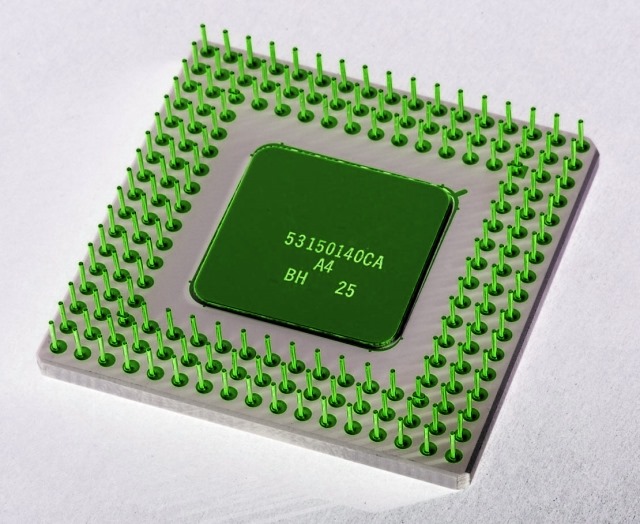
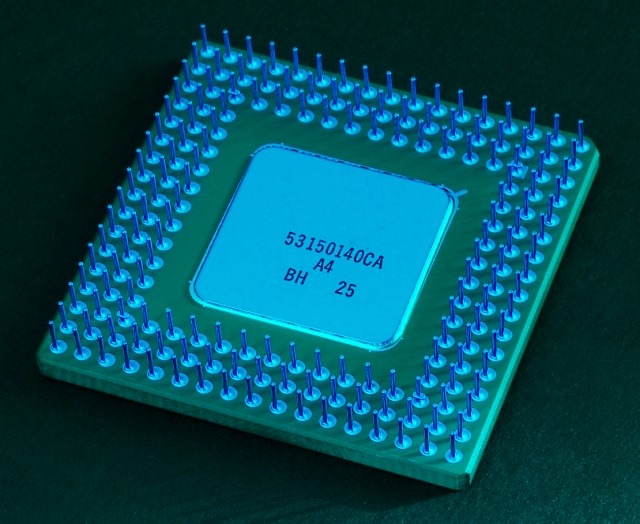
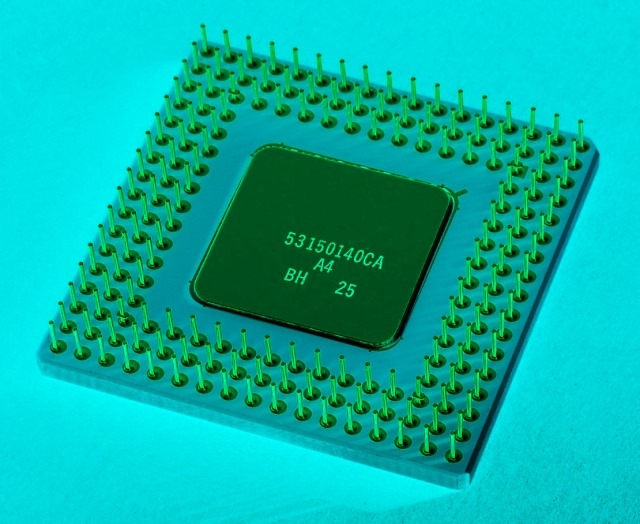
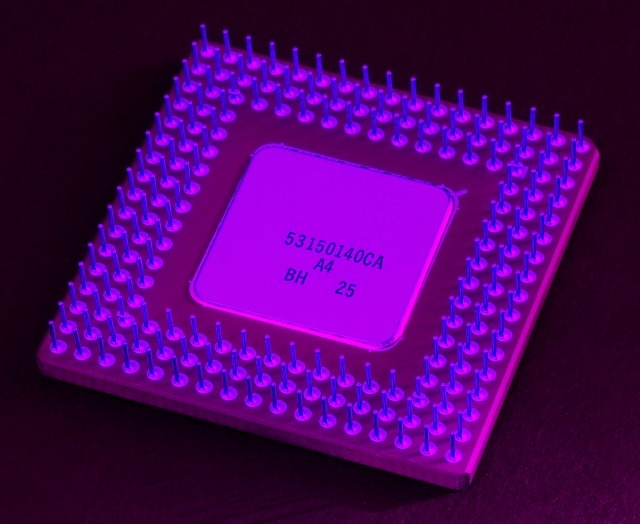
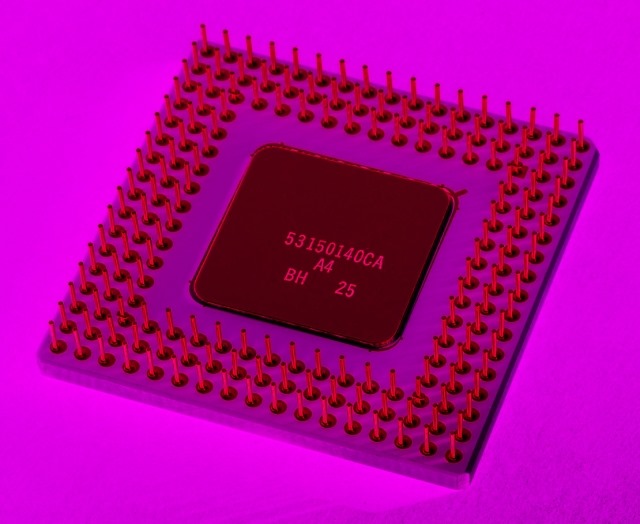
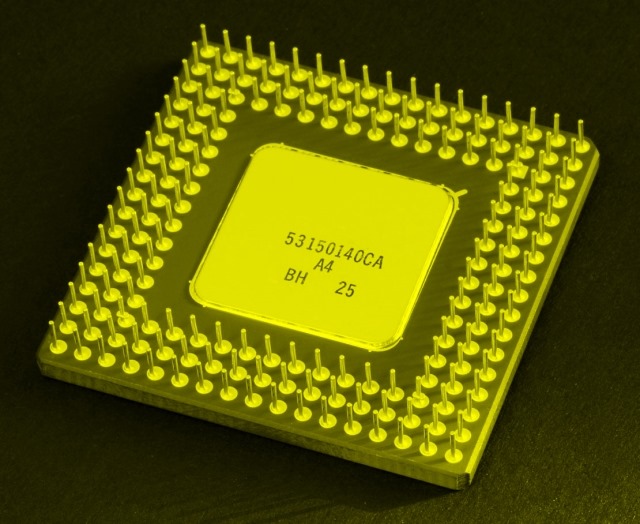
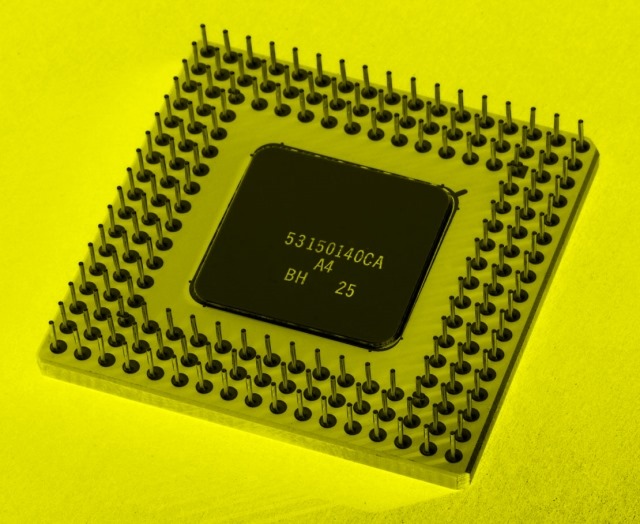
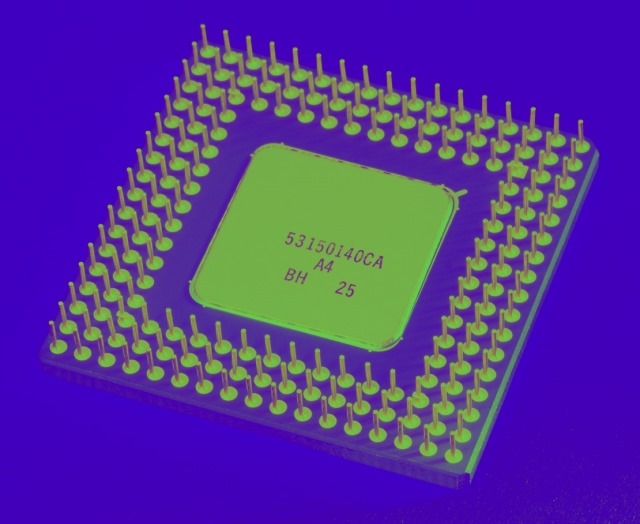
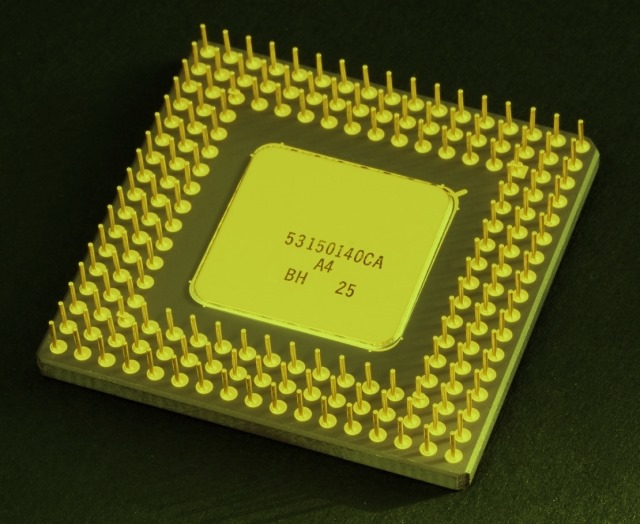
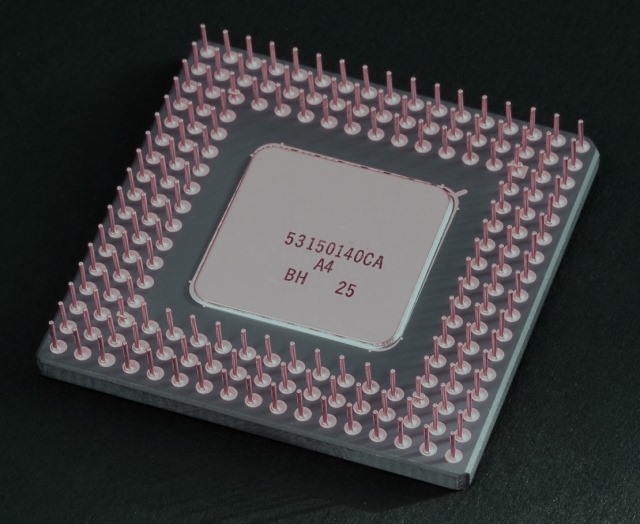
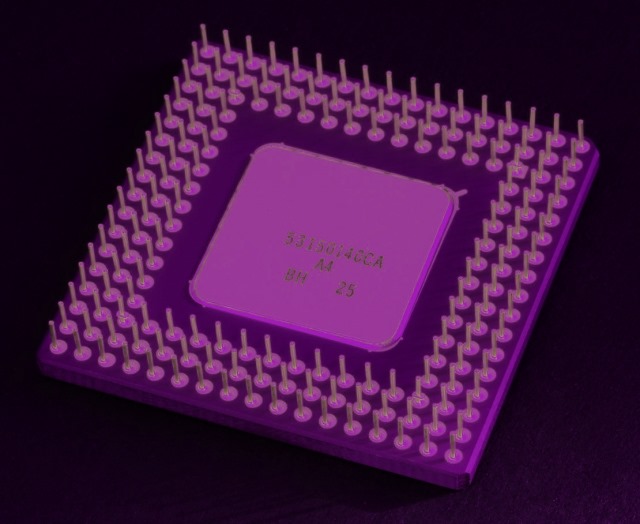
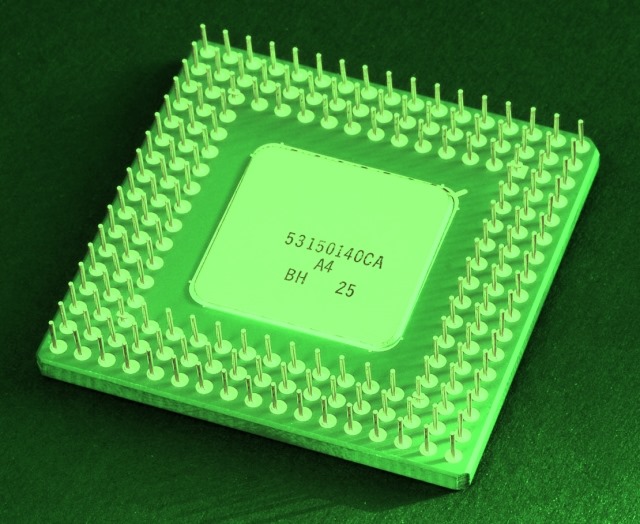
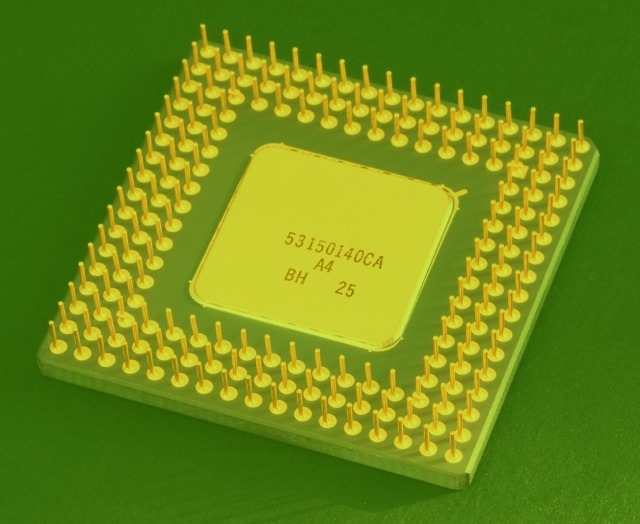
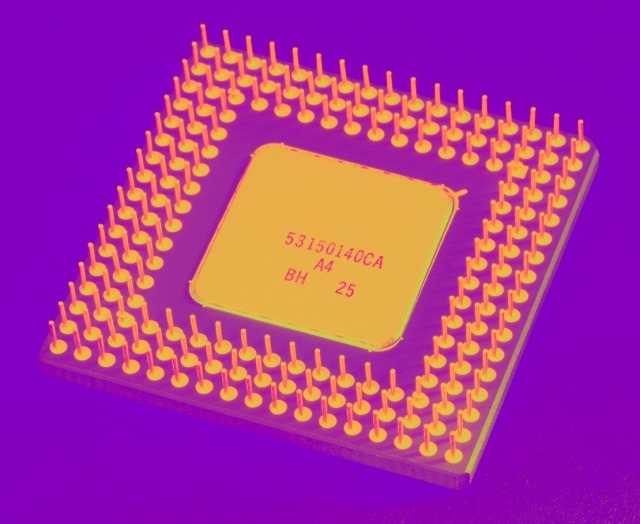
Image Filters: CPU

The Original

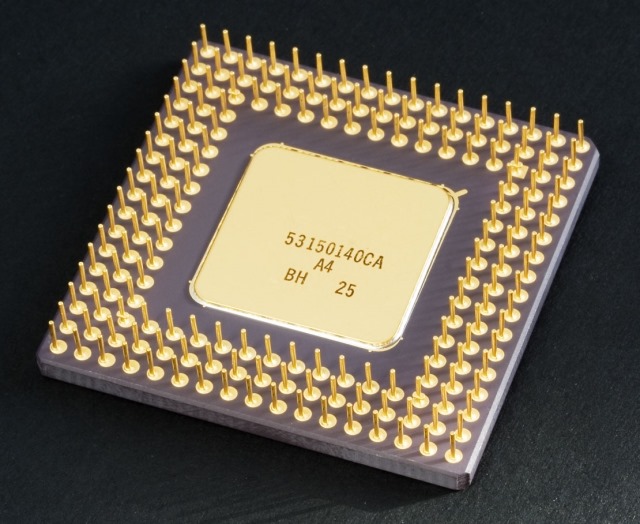
The original image file is licensed under the Creative Commons Attribution-Share Alike 2.0 Generic license. Download the original from .

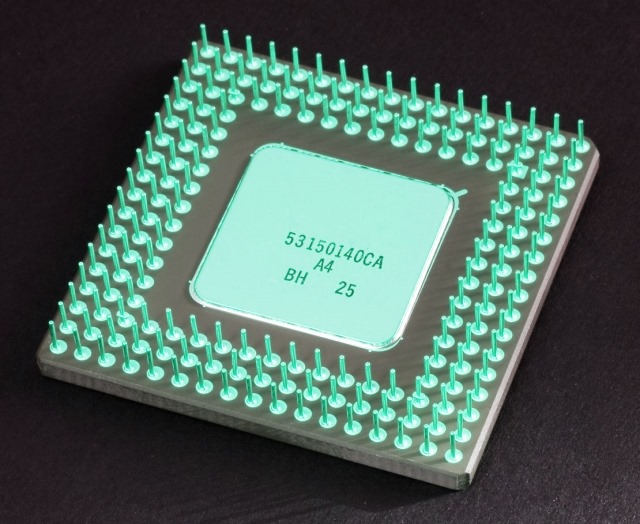
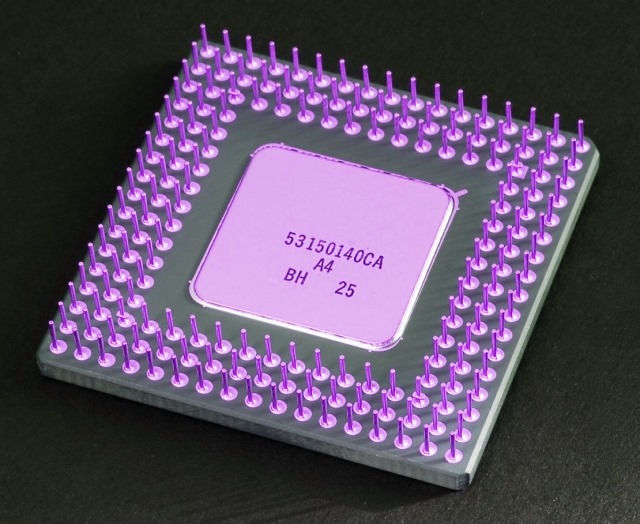
The first set of images featured in this article were created from the original image by applying ARGB blending filters in a scenario where the source/base image and and overlay image were identical. An article explaining the technical details can be found at C# How to: Blending Bitmap images using colour filters

The last set of images featured were created was by swapping the original image’s ARGB colour channels. To read up on the technical details involved in Bitmap ARGB colour channel swapping you can browse to the following article: C# How to: Swapping Bitmap ARGB Colour Channels

Original Image

Intel_80486DX2_bottom

Filtered Images

CPU_ShiftRightCPU_ShiftRightInverted

CPU_ShiftLeftCPU_ShiftLeft_Inverted

CPU_SwapBlueAndGreenCPU_SwapBlueAndGreenInverted

CPU_SwapBlueAndRedCPU_SwapBlueAndRedInverted

CPU_SwapRedAndGreenCPU_SwapRedAndGreenInverted

CPU_BlueBGCPU_BrownBG

CPU_GrayCPU_GreenBG

CPU_HotPinkCPU_LimeBG

CPU_OliveBGCPU_PurpleBG

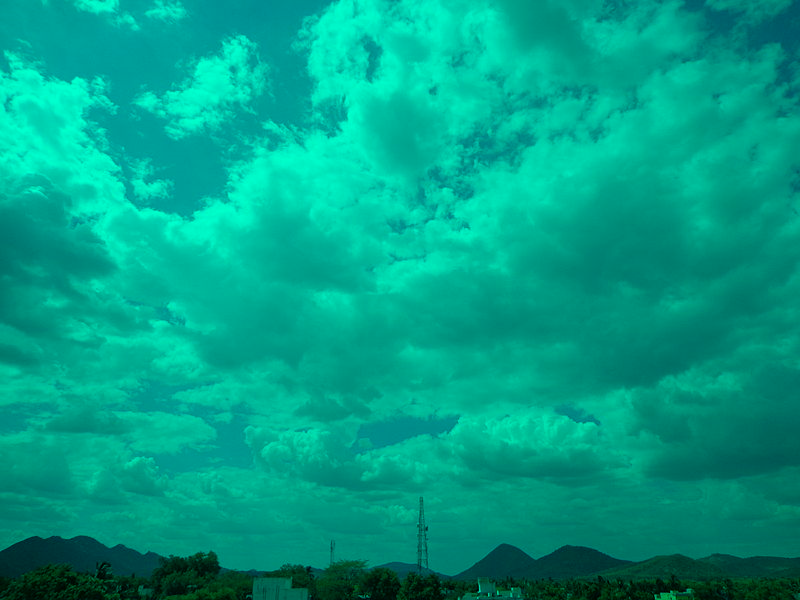
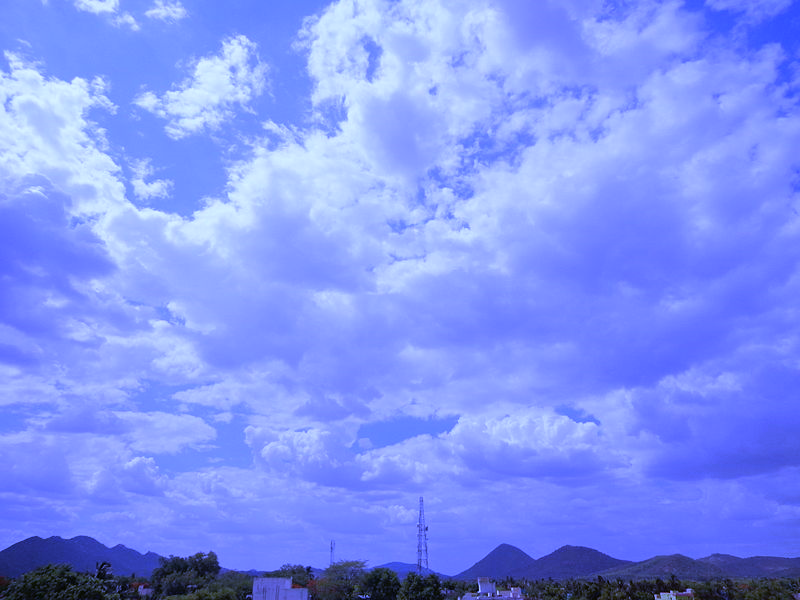
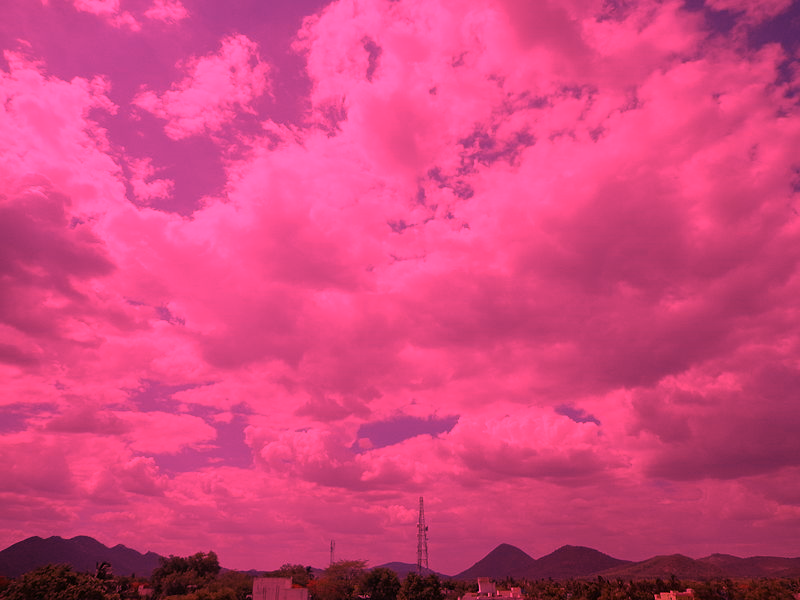
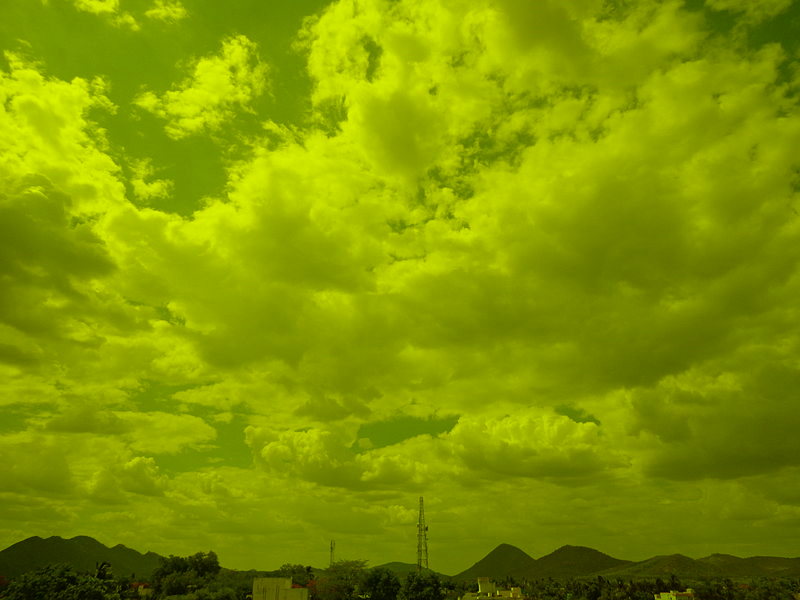
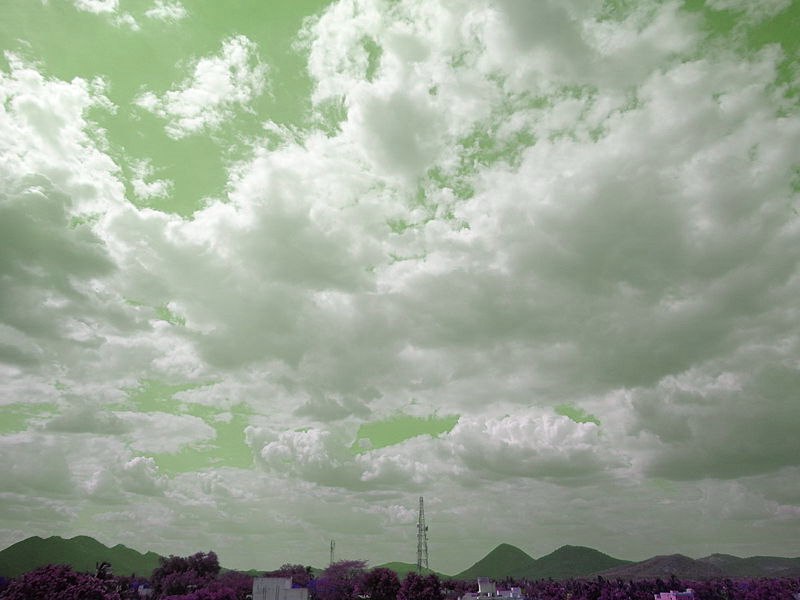
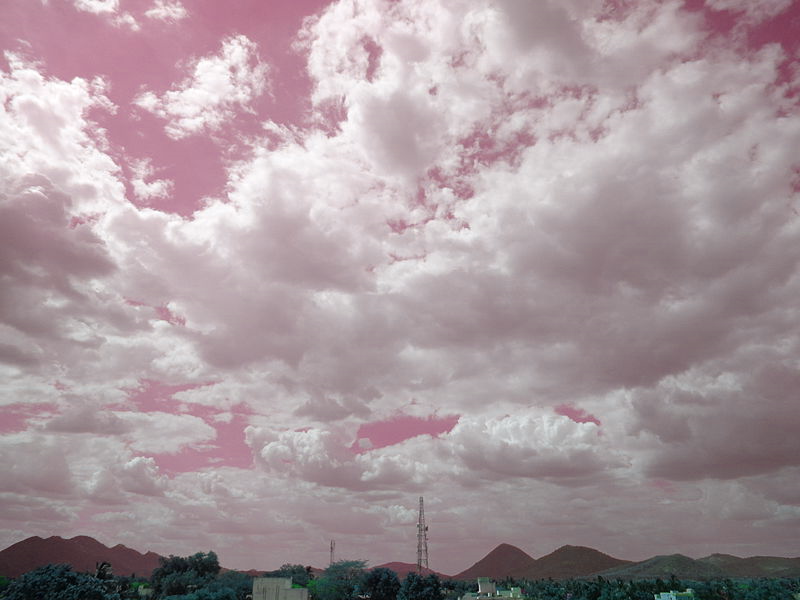
Image Filters: Clouds

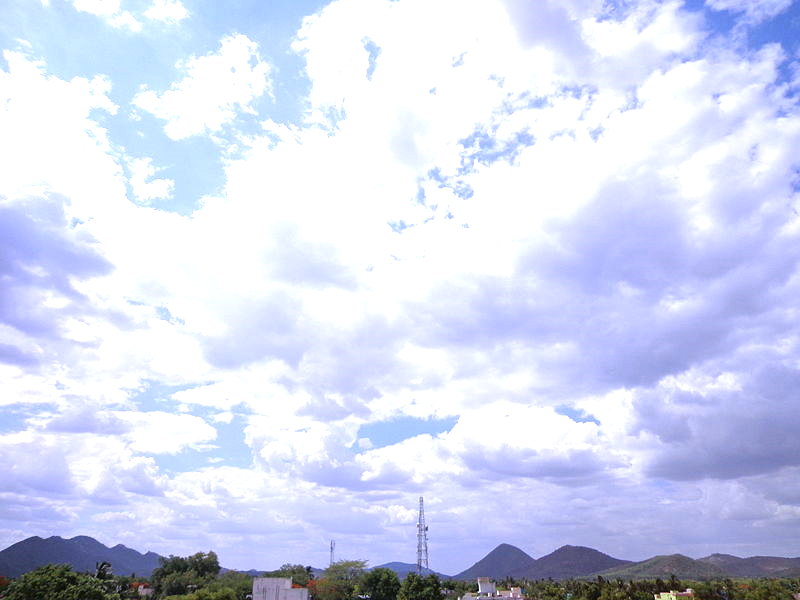
The Original

The original image file is licensed under the Creative Commons Attribution-Share Alike 3.0 Unported license. Download the original from .

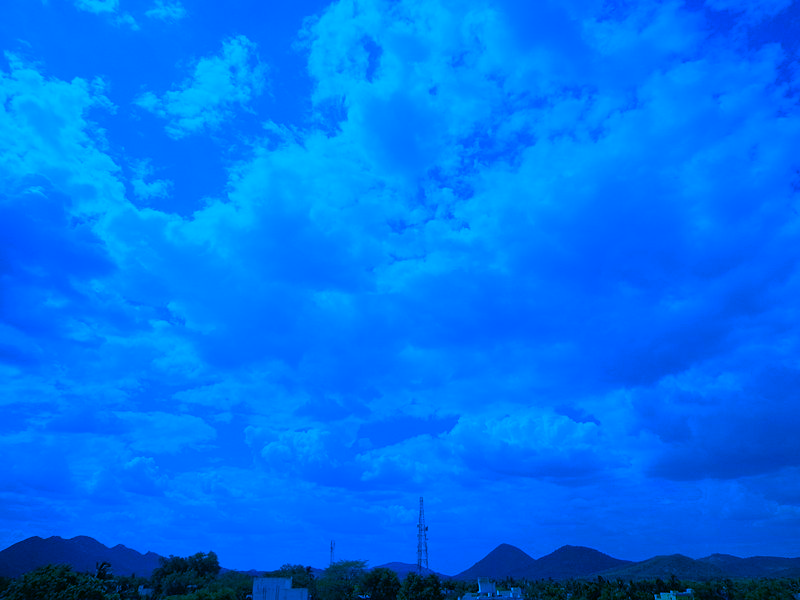
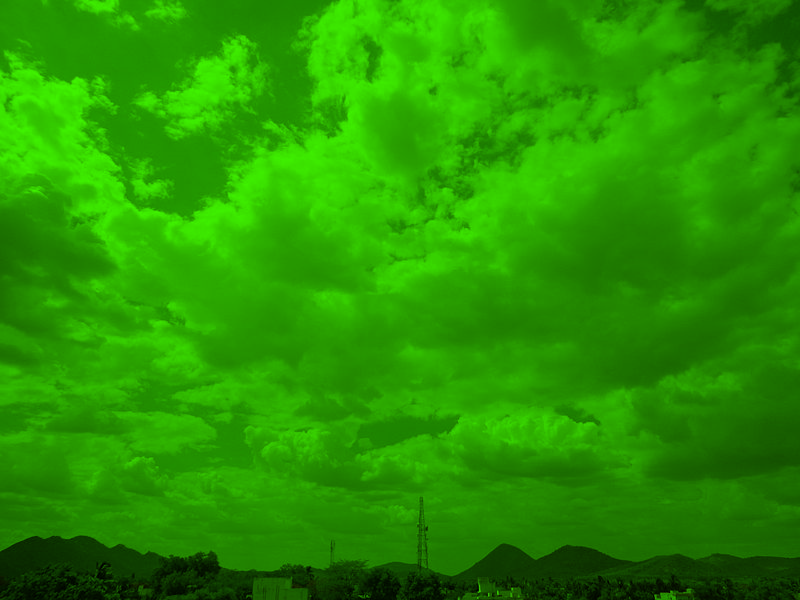
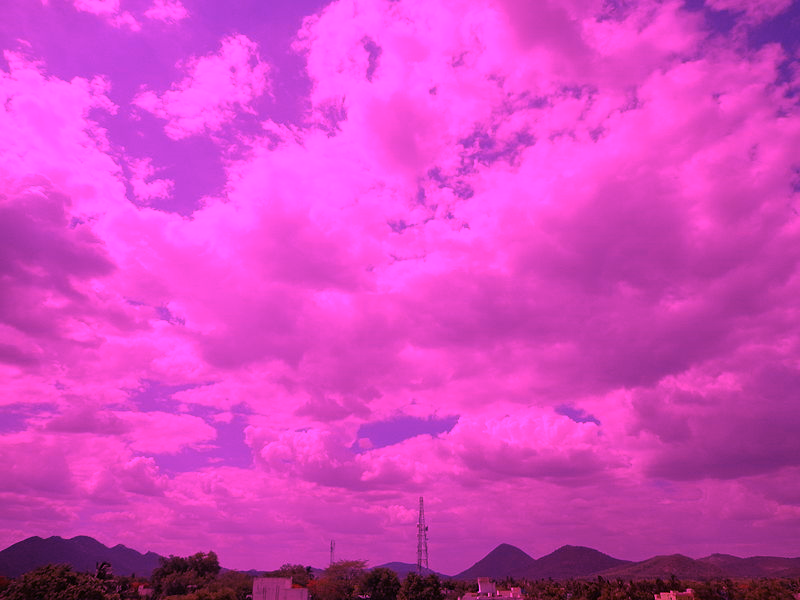
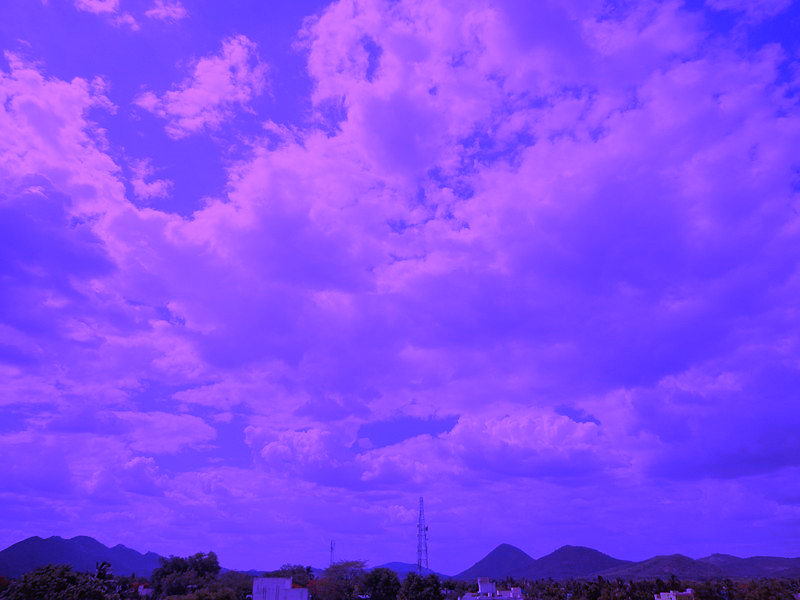
The first set of images featured in this article were created from the original image by applying ARGB blending filters in a scenario where the source/base image and and overlay image were identical. An article explaining the technical details can be found at

The last set of images featured were created was by swapping the original image’s ARGB colour channels. To read up on the technical details involved in Bitmap ARGB colour channel swapping you can browse to the following article:

Original Image

Blue Green

Clouds_BlueGreen

Blue Purple

Clouds_BluePurple

Deep Blue

Clouds_DeepBlue

Green

Clouds_Green

Pink

Clouds_Pink

Purple

Clouds_Purple

Light Crimson

Clouds_RosyBeidge

Yellow

Clouds_Yellow

Ultra Exposure

Clouds_UltraExposure

Colour Shift Left Filter

Clouds_ShiftLeft_Filter

Colour Shift Right Filter

Clouds_ShiftRight_Filter


Dewald Esterhuizen

Unknown's avatar

Blog Stats

  • 893,157 hits

Enter your email address to follow and receive notifications of new posts by email.
Join 91 other subscribers

Archives

RSS SoftwareByDefault on MSDN

  • An error has occurred; the feed is probably down. Try again later.